First Time Using the App
If you’re new to feeding with FeedComp, this article walks you through the basic steps to log in and complete your first feeding using the mobile app. You’ll learn how to sign in, select the correct device and feeding type, and move through the feeding workflow from mixing to dropping.
⚠️ IMPORTANT: Before you begin, make sure you have:
- A dedicated email address
- A password
- User permissions that allow you to mix feed in FeedComp
- A device with FeedComp installed that is NOT set to lock
If you do not have these, contact the farm owner or feed manager before continuing.
Also, before completing your first feeding, make sure the mobile app has been configured correctly. See Configure Mobile App Settings for setup instructions.
- Open FeedComp on the device.

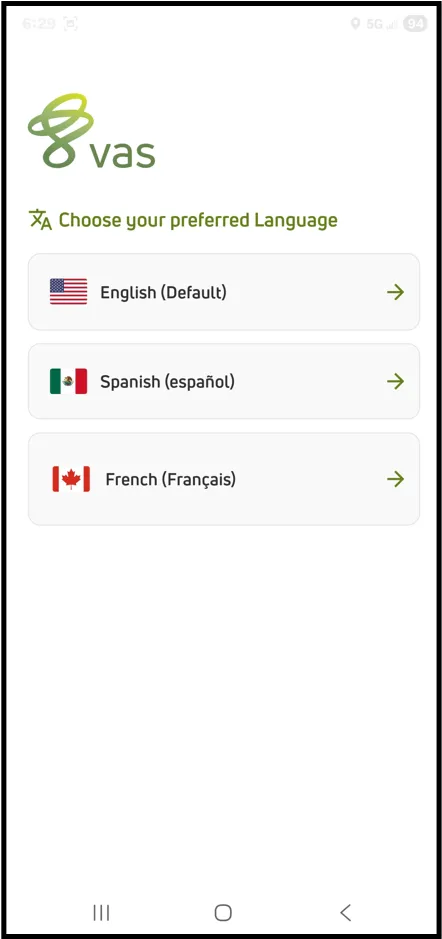
- Select your preferred language.
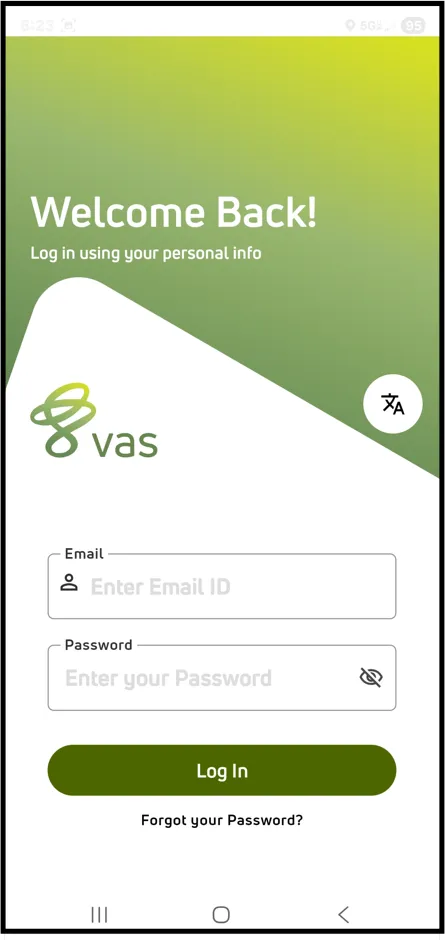
- Enter your email address and password.
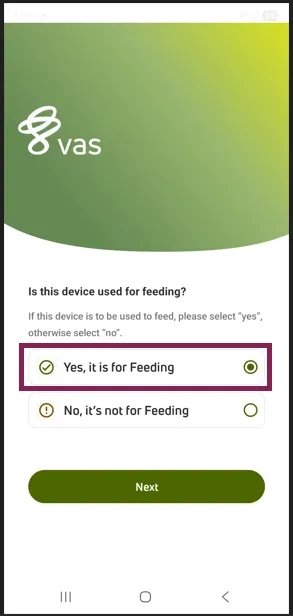
- When prompted, select “Yes, it is for Feeding”, then select Next.
NOTE: Select "No, it's not for feeding" if you are using the device only to make adjustments or view reports.
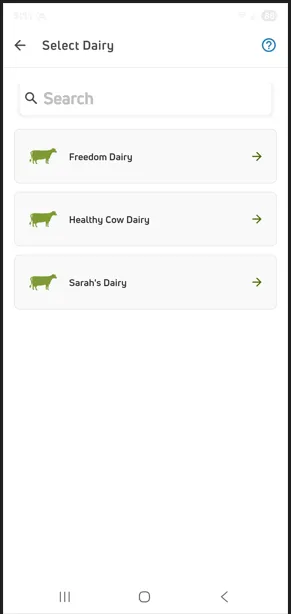
- Tap your dairy name.
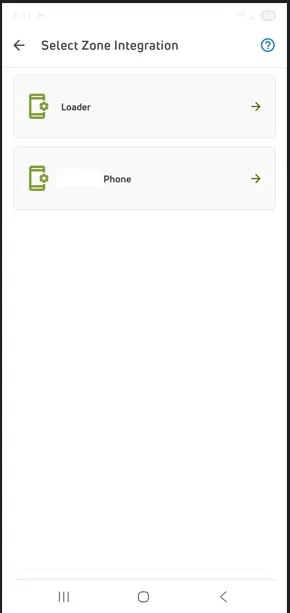
- Select the zone integration (device) used for feeding.
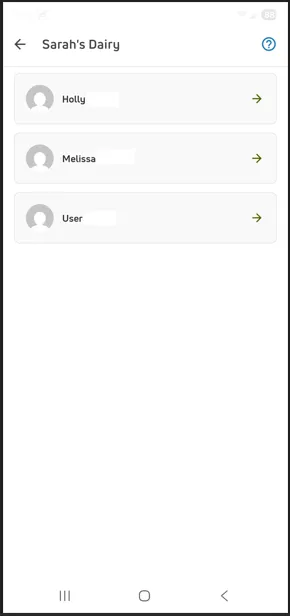
- Select your user name.
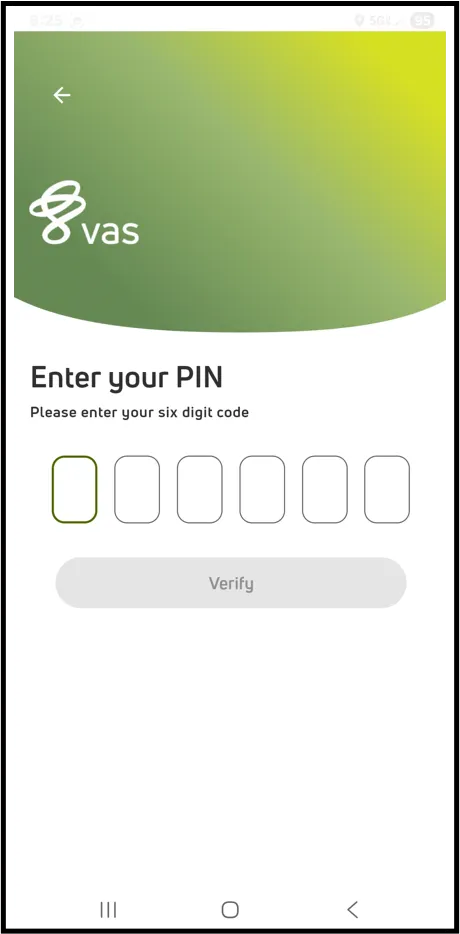
- Enter your 6-digit pin.
NOTE: If the device is already signed in, FeedComp skips the initial sign‑in steps and prompts you to select a user.
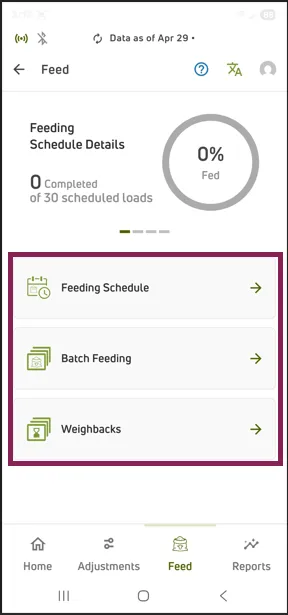
- Select Feed.
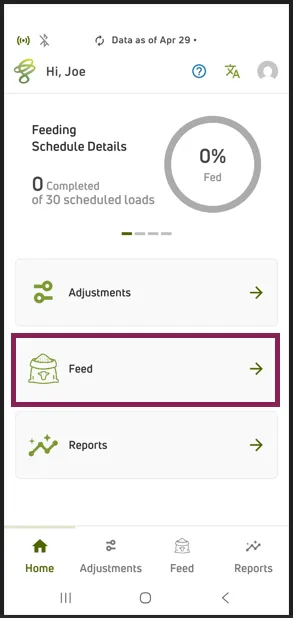
- Select the type of feeding:
- Feeding Schedule: Includes the daily loads listed in the feeding order.
- Batch Feeding: Used for mixing a separate, non-scheduled load. See Batch Feedings to learn more.
- Weighbacks: Used for loading leftover feed that can be reused as ingredients in other recipes. See Weighbacks to learn more.
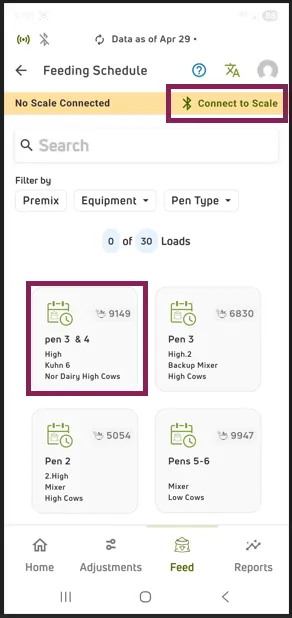
- Confirm the device is connected to the scale via Bluetooth. If not, tap Connect to Scale to pair the device. See Configure and Connect the Scale to learn more.
- Tap the first feeding card to begin.
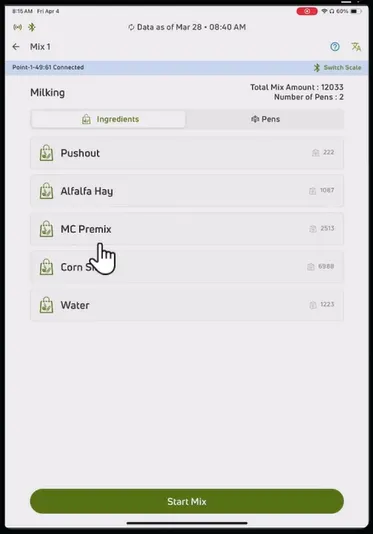
- Review the ingredients and pens, then tap Start Mix.
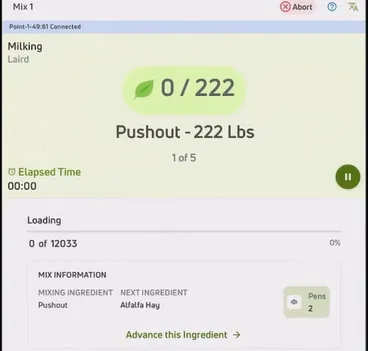
- Follow the on‑screen instructions to load each ingredient.
The app displays the required amount and automatically advances to the next ingredient when the current one is complete.
- After the mix is completed, tap Start Dropping.
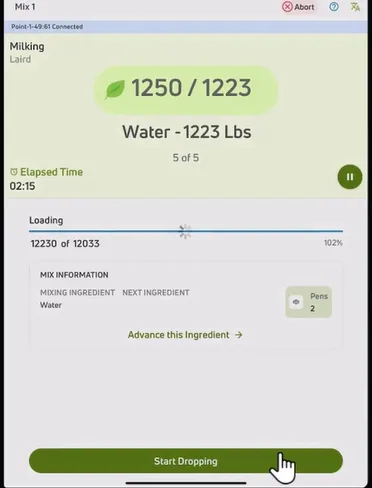
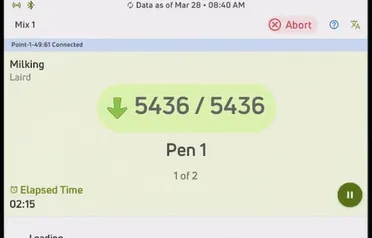
- Begin dropping feed, starting with the first pen shown.
The amount to drop is displayed for each pen.
- When unloading is complete, review the Mixing and Dropping report card.
- Close the report card to proceed to the next feeding.
NOTE: Once a feeding is completed, its feeding card is no longer available until feedings are reset for the day. See Feeding Schedule ResetFeeding Schedule Reset to learn more about this feature. You can also view the Feed Using the AppFeed Using the App video below to learn more about feeding using FeedComp the mobile app.
This article provides a basic introduction to feeding. For detailed instructions and additional options, see Loading and Dropping.