Tasks & Worklist Settings
2 min
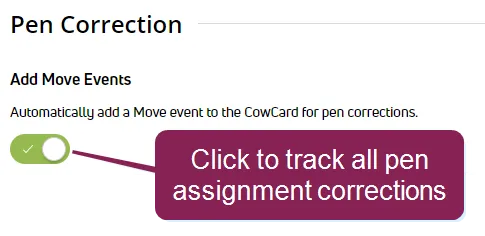
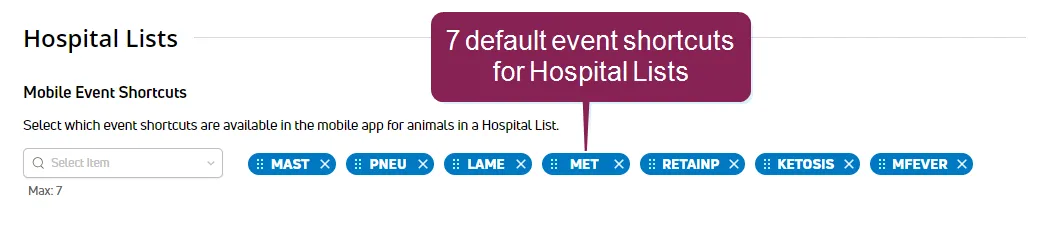
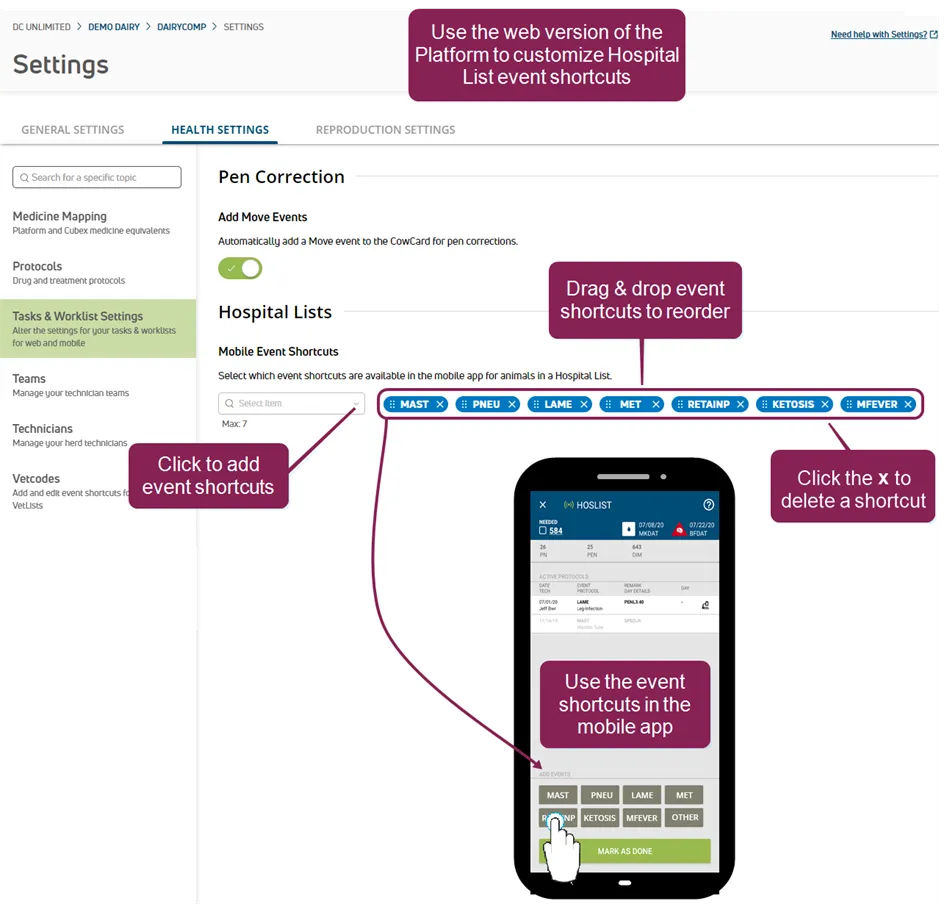
required permissions all users assigned to a role with herd read permissions can view this feature only users who are assigned a role with herd write permissions can edit data or customize settings see the topics below to learn more know your vas pulse version docid 5i7xv63wgmrxmsotyjaaa edit dairy user permissions docid\ gw6zx7tfc4ihsbrtozc v manage dairy roles docid 9yjukdzfab0kko1hw0mxj the tasks & settings page allows you to track all assignment corrections as move events on the cowcard configure the event shortcuts that display in the mobile app when processing hospital animals to provide your hospital team the events needed you can find this feature under the dairycomp/mydc menu docid\ ezfejzdkbcfov b69aupr > settings docid\ ezfejzdkbcfov b69aupr option on the health settings tab pen correction track all pen assignment corrections as move events on the cowcard by clicking the add move events toggle hospital lists configure configure the event shortcuts that display in the mobile app when processing hospital animals to provide your hospital team the events needed up to 7 events can be added and 7 are selected by default see edit hospital list events docid\ sed04uhse5 ezky4nrb b to learn how to reorder or change which events are selected click here to see the default events! (mast) (pneu) (lame) (met) (retainp) (ketosis) (mfever) edit hospital list events drag and drop events to reorder them (be sure to click the dots to the left of the event name to grab that item) to add new event shortcuts to your hospital lists, and if 7 event shortcuts are already selected, you must first click the x on an event shortcut to delete it and free up space for a new event shortcut then, use the drop‑down list to select the new event that your hospital team needs while treating animals after you make your changes, the event shortcuts will be updated in the mobile app during the next update they will then be displayed as shortcuts when processing each animal in the hospital list (see example above) the app automatically provides an other button that allows you to select another event if you do not see a shortcut for the one you need