Import and Export Dairy Configuration (MyDC only)
3 min
Setting up new dairies can be a manual and repetitive process, especially when you need to use the same protocols, tasks, and reports for multiple farms. With the Export/Import Dairy Configuration feature, you can save the operational setup of one dairy and apply it to another in a few simple steps. You can find this feature under DairyDairy menu > SettingsSettings.
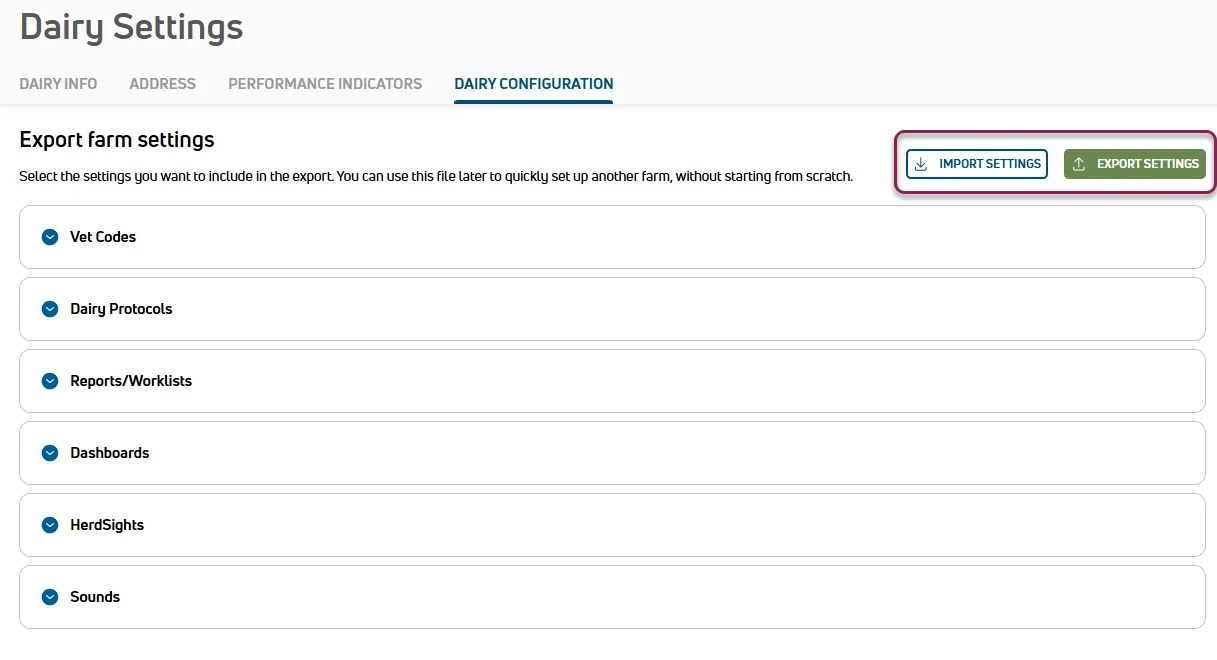
First, export the configuration to save it to your computer. Then, when adding a dairy that requires the same settings, import the configuration to get the new dairy up and running quickly.
Expand the topics below to learn more.

Best practices
- Create a template dairy: Set up a dairy with your standardized configuration. Use this as your primary source for future imports in new dairies.
- Regional templates: If you manage farms in different regions, create a template configuration for each region to account for local vetcodes or event conventions.
- Review during import: While importing the configuration file to a new dairy, be sure to review and confirm that the dairy settings are correct. You can use the Compare with current settings toggle
 to check which settings will be overwritten.