System Settings
2 min
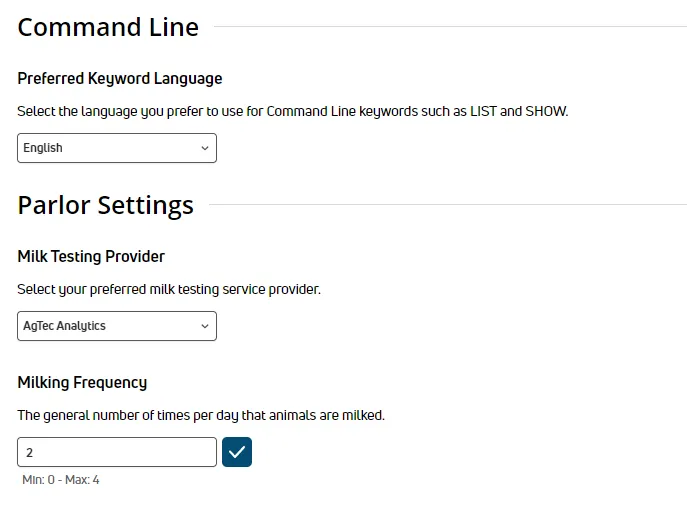
required permissions all users assigned to a role with herd read permissions can view this feature only users who are assigned a role with herd configuration permissions can edit data or customize settings see the topics below to learn more know your vas pulse version docid 5i7xv63wgmrxmsotyjaaa edit dairy user permissions docid\ gw6zx7tfc4ihsbrtozc v manage dairy roles docid 9yjukdzfab0kko1hw0mxj can't find this feature? make sure it's included in your subscription! this feature/option is available only for dc unlimited subscribers mydc subscribers will not see it in pulse click here docid 5i7xv63wgmrxmsotyjaaa to learn more about the different versions of pulse the system settings page allows you to customize general configuration options that define how your dairy uses pulse you can find this feature under the dairycomp/mydc menu docid\ ezfejzdkbcfov b69aupr > settings docid\ ezfejzdkbcfov b69aupr option on the general settings tab command line preferred keyword language use the drop down to select the language used for command line keywords (e g , list, show) parlor settings milk testing provider use the drop down to select the provider your dairy uses for milk testing milking frequency enter the general number of times per day that your dairy's animals are milked you must enter a digit between 0 4