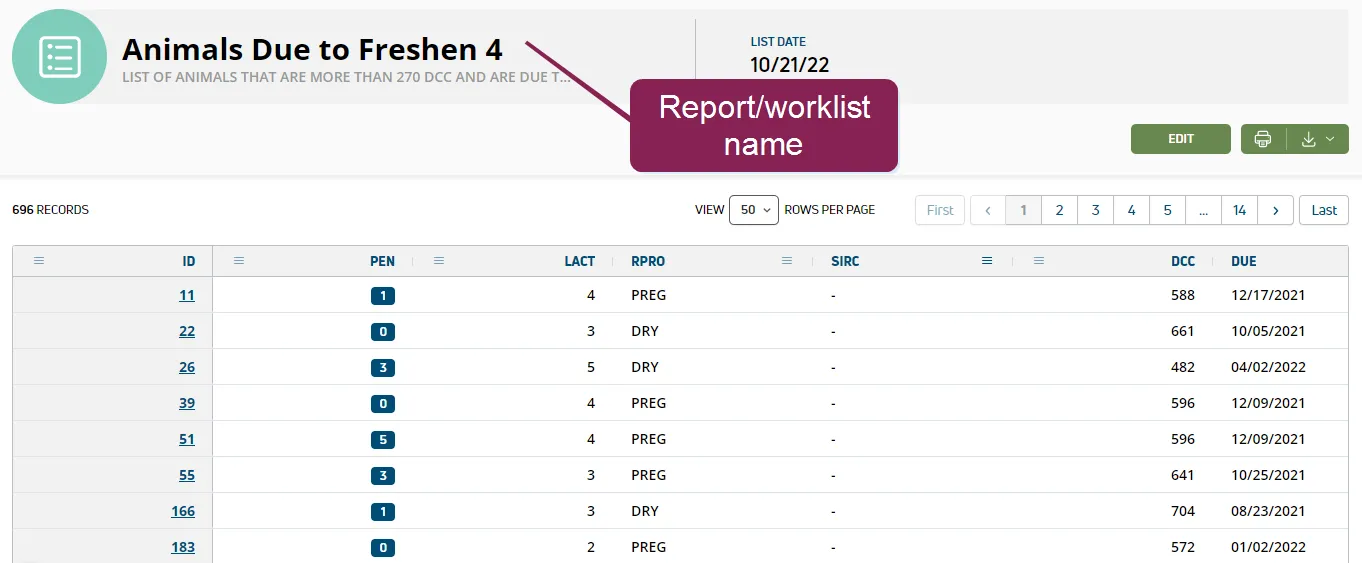
Run Saved Reports or Worklists
The Dairy Reports/Worklists page includes the reports or worklists you customized from the Template GalleryTemplate Gallery, as well as any other custom reports you created using Report/Worklist BuilderReport/Worklist Builder. Note that reports are shaded in blue and worklists are shaded in green.
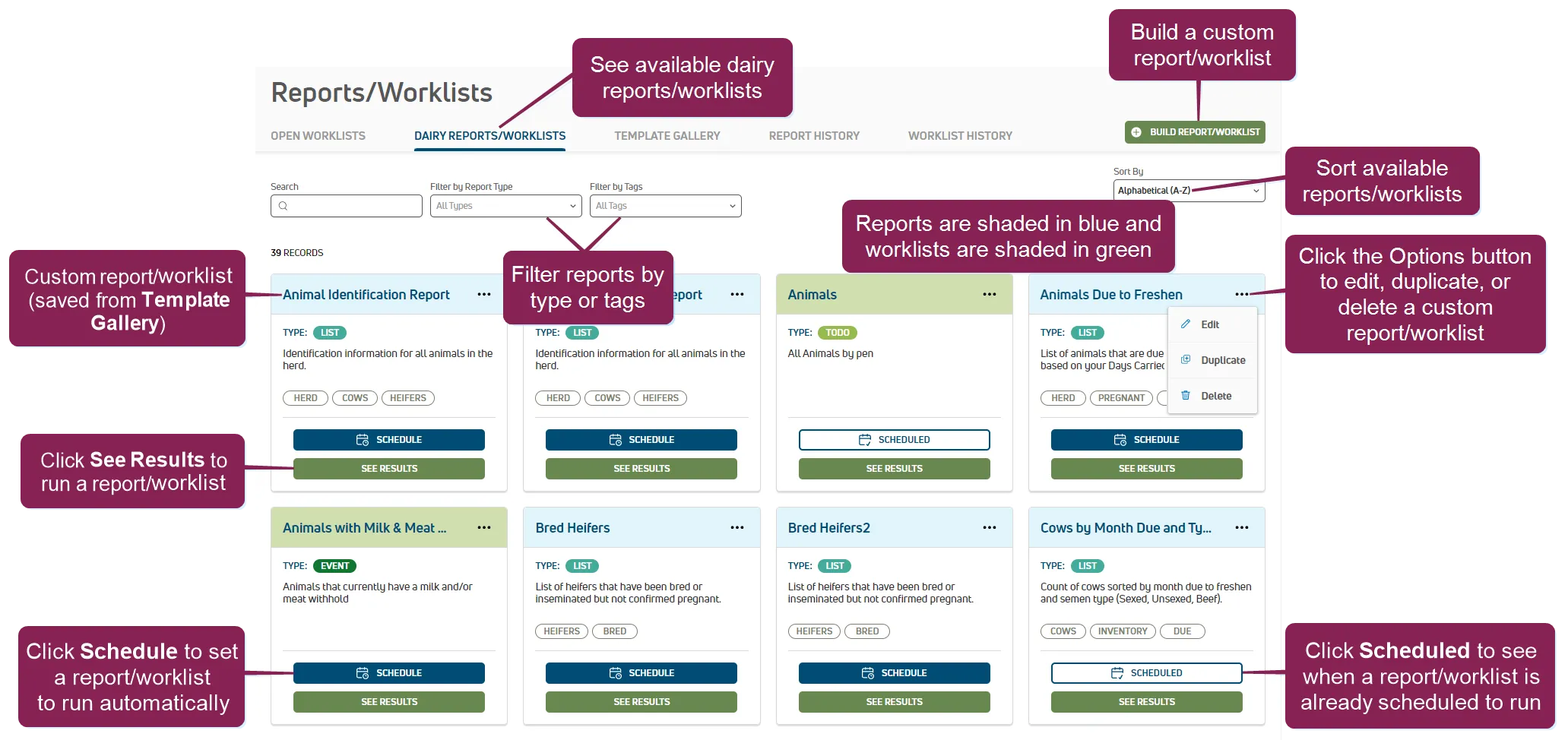
You can run reports or worklists for today or up to 30 days in the future. This option allows you to collect additional data and gives you even more choices when planning tasks and managing your herd.
You can find this feature under the DairyComp/MyDC > Reports/Worklists menuDairyComp/MyDC > Reports/Worklists menu on the Dairy Reports/Worklists tab.
Follow the steps below to continue:
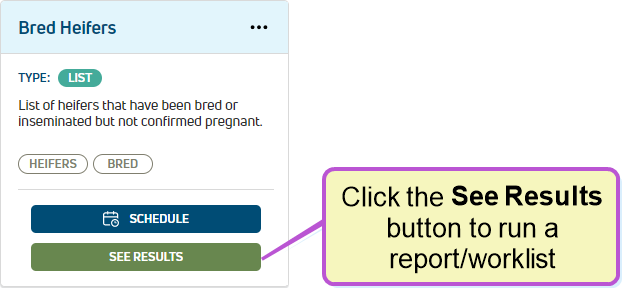
Click the See Results button to open the options window.
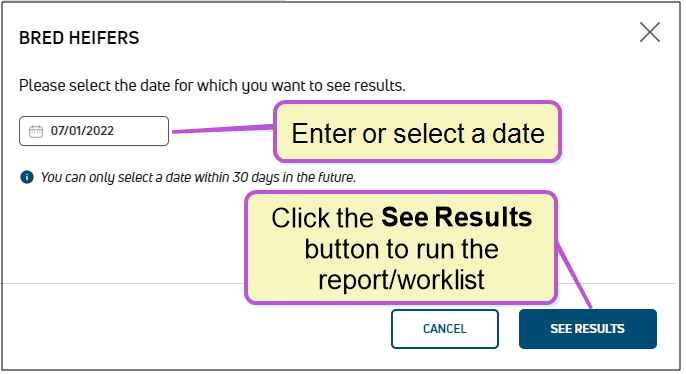
The date field defaults to today's date. Click on the date field to change it.
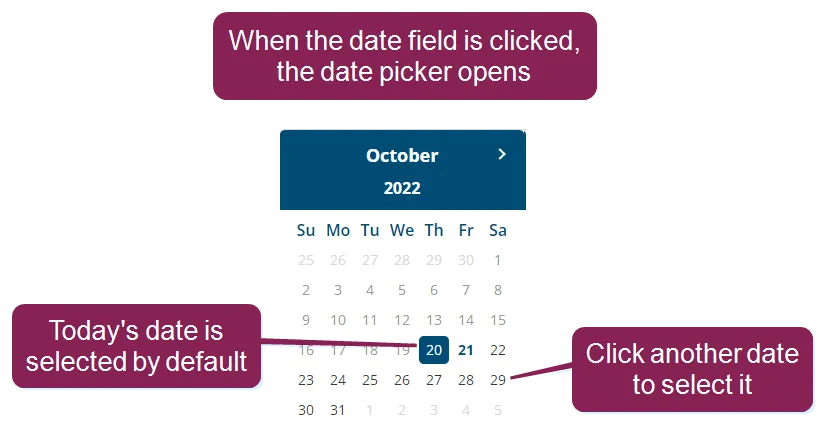
NOTE: You cannot select a date in the past, but you can select a date up to 30 days in the future.
Click the See Results button to run the report or worklist. PULSE builds the report or worklist and displays the results on the ReportWorklistResults.htmReportWorklistResults.htmReports/Worklists ResultsReports/Worklists Results page.