How do Notifications work?
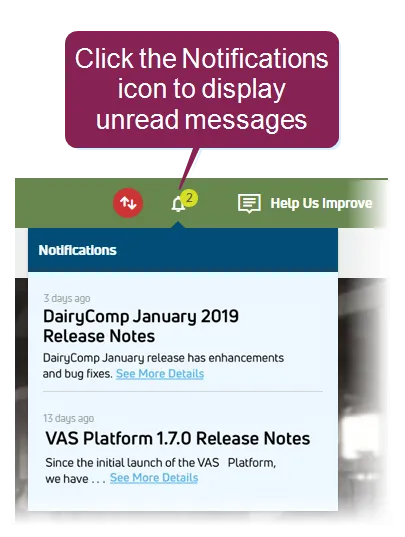
PULSE provides Notifications to share details on the latest product releases, as well as system messages, general alerts, and notifications. An activity badge  on this icon at the top of the page indicates the total number of unread messages, and clicking the Notifications icon displays links to the most recent messages.
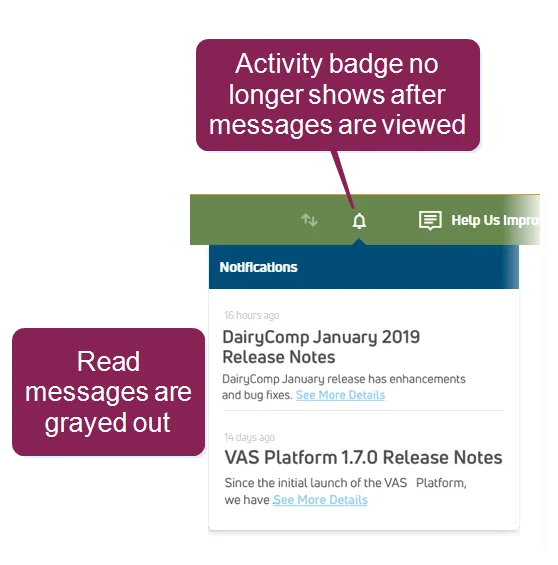
After new messages are read, the activity badge no longer shows, and messages display in a read (grayed out) format.
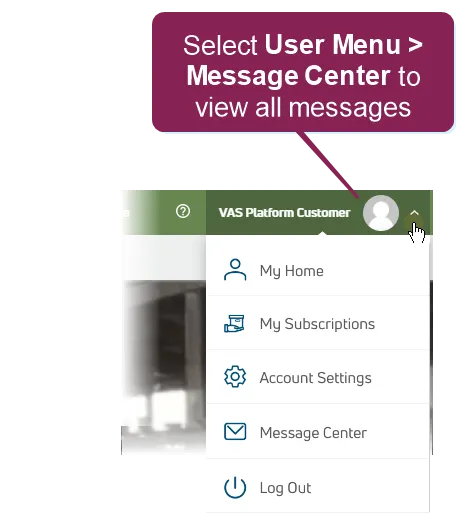
To access all messages, view the Message CenterMessage Center, which PULSE now includes a Message Center serves to serve as a communication hub and provide an easily-accessible area to view important messages between your dairy and from PULSE.
To view all messages, select Select Message Center from the User MenuUser Menu in the top right corner of the page.
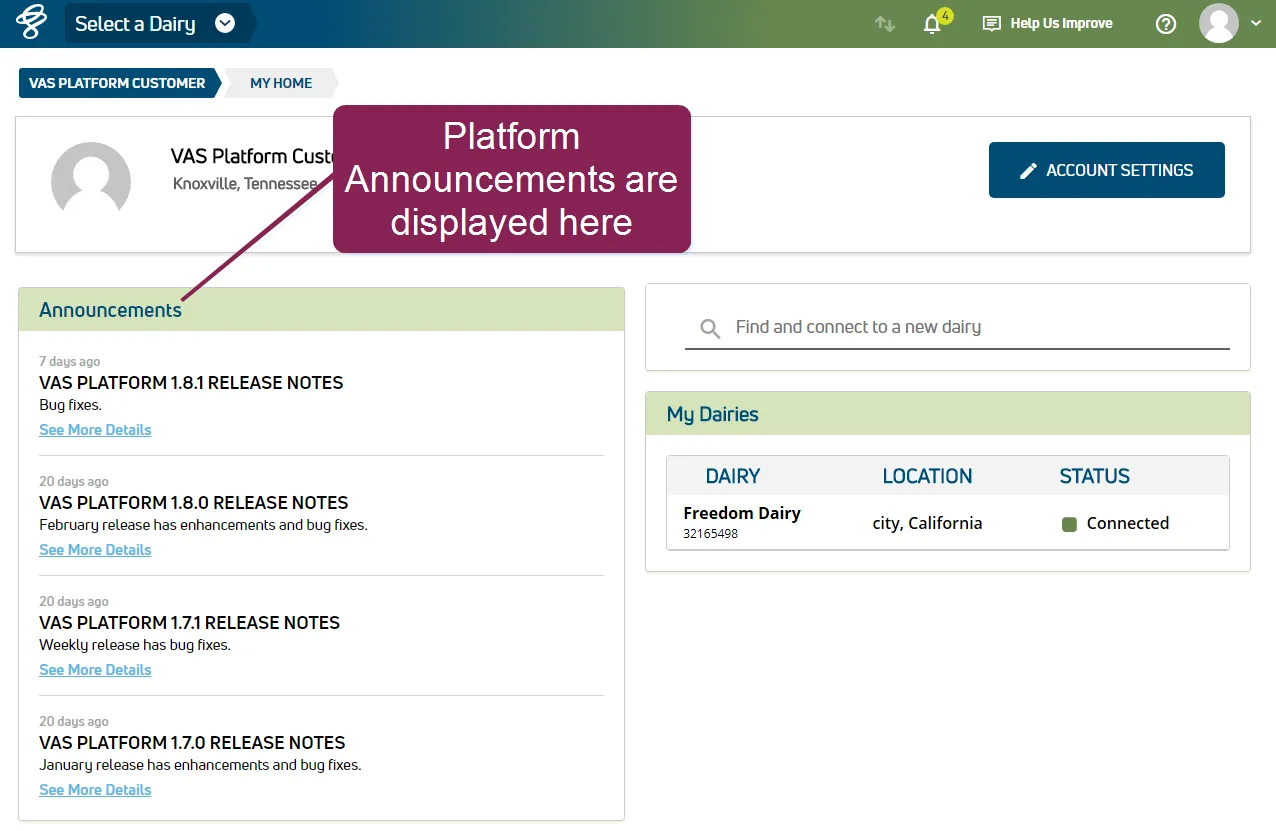
Announcements are also available from your User Account home pageUser Account home page.