Edit Your User Account
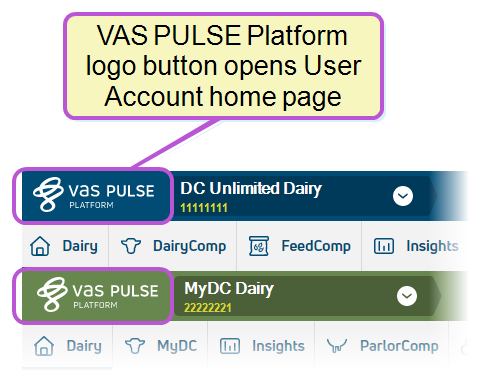
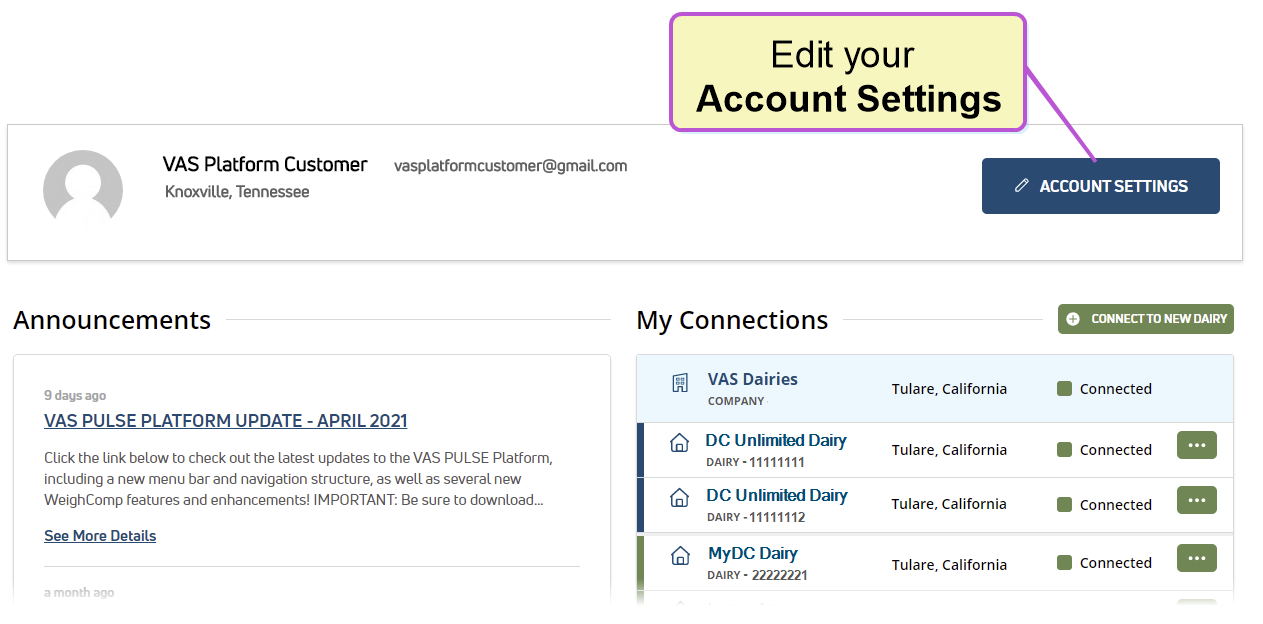
If you're not already on your Account Settings page, click PULSE logo button in the top left corner of the window, and click the Account Settings button to the far right of your User Account home page.
OR
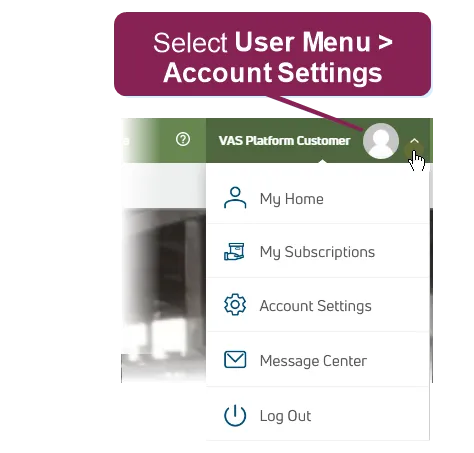
Select Account Settings from the User MenuUser Menu in the top right corner of the page.
This opens your Account Settings page. Follow the guidelines below to edit your user account.
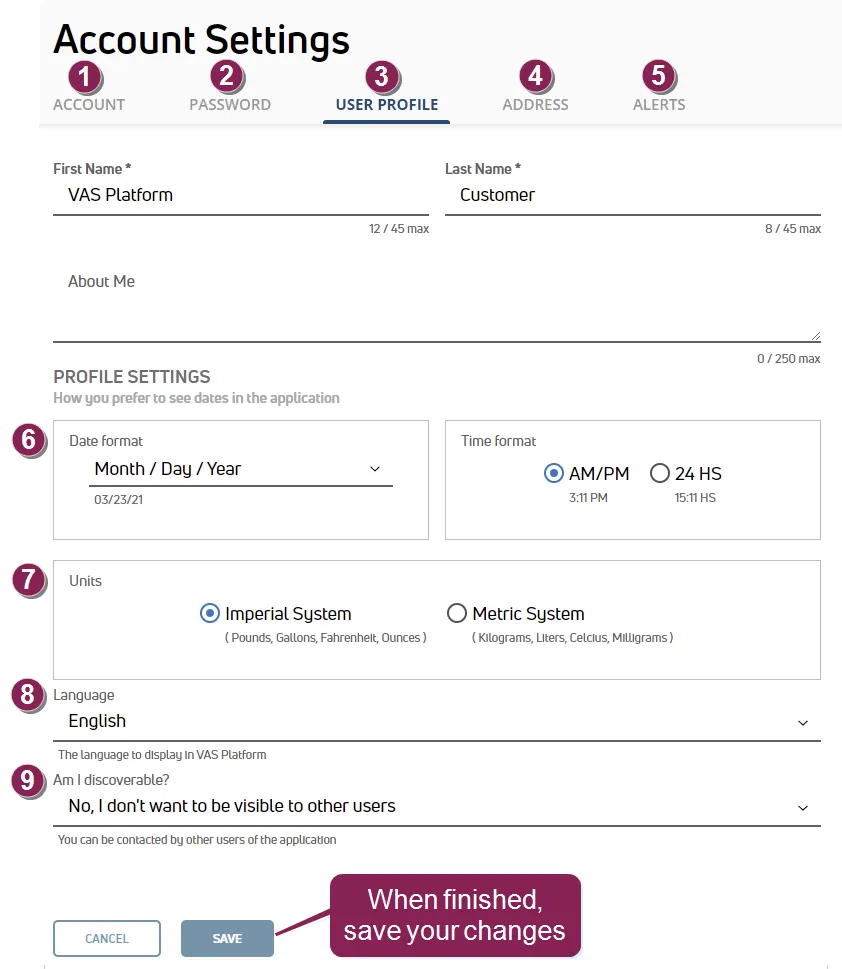
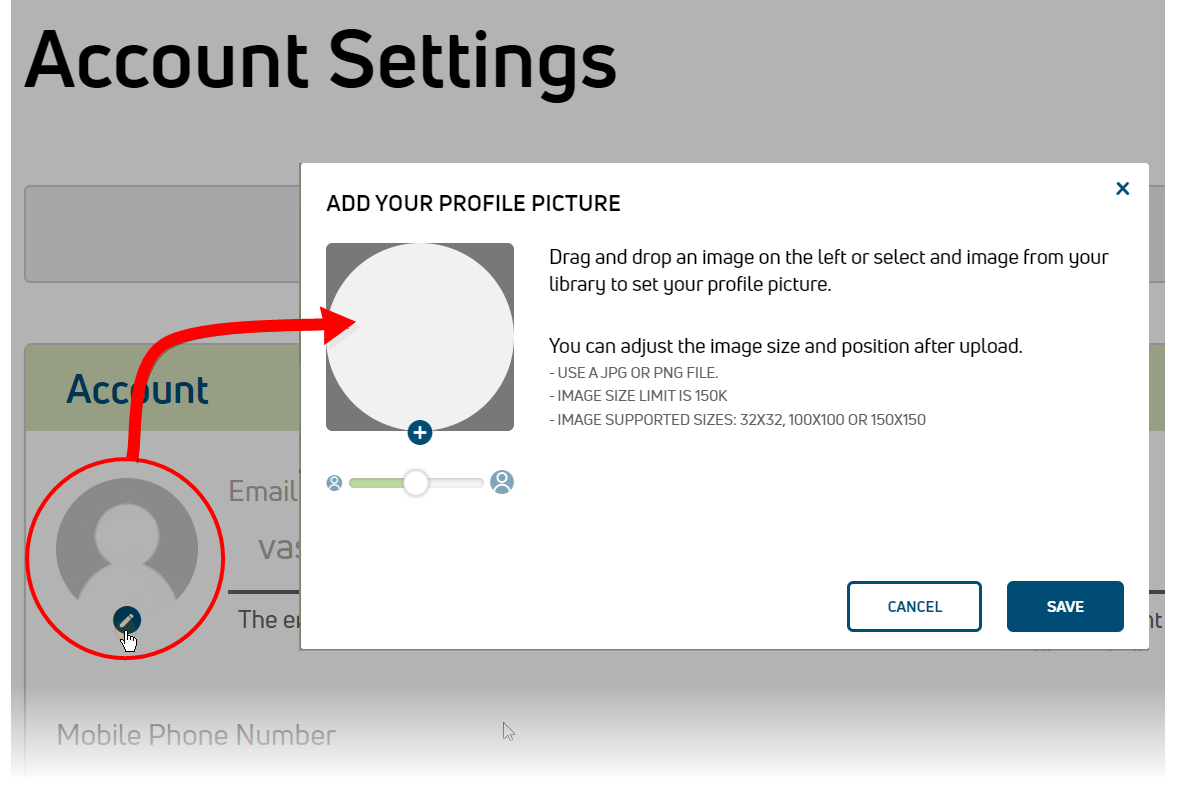
Account: Use the Account tab to add a picture and your mobile phone number to your profile. Add an account photo by uploading it directly to Platform or selecting it from a Gravatar account.
Password: Change your PULSE password.
User Profile: Adjust general account information. The options on this page are defined in #6–9 below.
Address: Edit your physical address, phone number, email address, and website.
Alerts: Set Key Performance Indicators (KPIs) for your dairy. See How do I set KPIs and alerts?How do I set KPIs and alerts? to learn more!
Date Format: Change PULSE date and time format. The settings you select here will also be applied in the mobile app.
Units: The unit of measure you select here applies to all features in PULSE (widgets, CowCards, graphs, tables, etc.). Once you save this change, it will also be applied to the mobile app upon your next login:
- Select Imperial System to display units in Pounds, Gallons, Fahrenheit, and Ounces.
- Select Metric System to display units in Kilograms, Liters, Celsius, and Milligrams.
Language: Change the language that is displayed in PULSE. Once you change the language and save it here, it will change in the mobile app the next time you open it.
NOTE: For DairyComp Unlimited, the Platform language setting does not change the data fields that are pulled from on-premise DairyComp. When PULSE synchronizes data from the on-premise DairyComp, it will be displayed in PULSE the same way it was entered in the on-premise DairyComp.
Am I discoverable? Set your user account to be visible or not visible to other PULSE users. If you change this field to No, I don't want to be visible to other users, your name will no longer be displayed when other PULSE users search for a user.