Reports
2 min
Reports are an important tool in DairyComp that can help you keep track of your dairy's activities. With a simple command or a few mouse clicks, you can generate an up-to-date report, compiled using your dairy's metrics, right at your fingertips.
In order to create and utilize reports effectively, you need to understand how DairyComp commands work. Generating reports are just one way of using commands, but it's important for you to understand their syntax and organization. (See Command LineCommand Line to learn more).
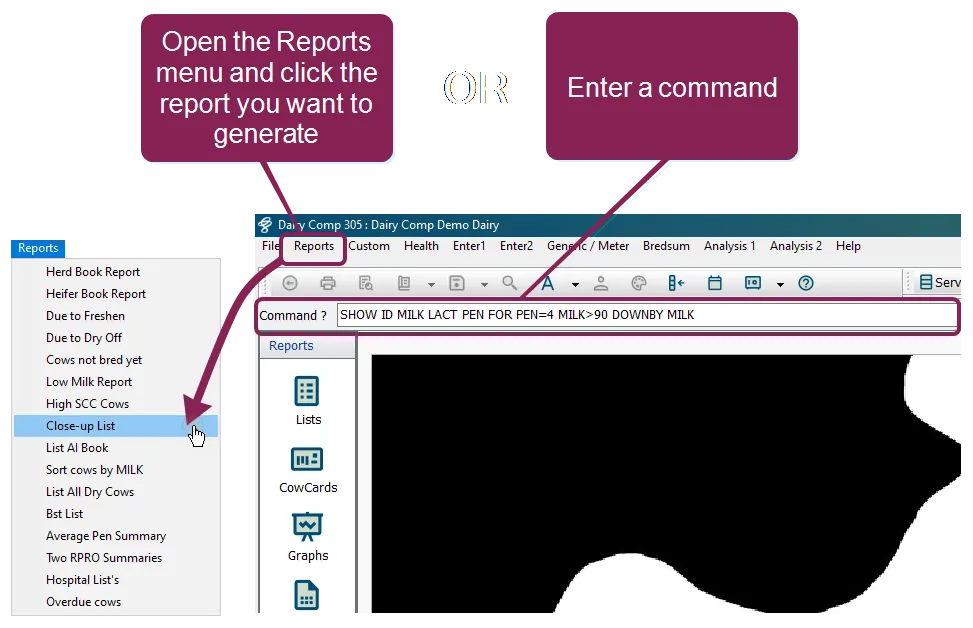
To run a report, you can either enter a command string in the command line, or you can run an already existing command from the Reports menu:
See the topics below to learn more: