What's New in DairyComp?
4 min
Expand the sections below to learn about new features, enhancements, and bug fixes in the latest DairyComp release!
DairyComp - Version 26.10
Release Date: October 27, 2026
DairyComp version 26.10 contains various bug fixes, customer-requested enhancements, and improvements.
Expand the topics below to learn more about the updates in this release:
- Improved command assistance: Updated the AssistAssist feature for Spanish-language users so that starting a command with VER (SHOW) or LISTA (LIST) correctly presents the item selection list.
- Accurate record navigation: Resolved an issue where the EVENTS report linked to the wrong record when animal IDs were reused. This fix ensures that clicking an ID in the report takes you to the specific historical animal record associated with that event, rather than the current live animal.
- Enhanced data auditing: The activity log now displays the specific command used to delete records from the cowfile. This improvement provides better oversight of data changes and supports more effective troubleshooting for large herds moving animals between sites.
- Streamlined data exports: Improved CSV and Excel export alignment for EVENTS reports. This update ensures that breeding codes and technician details align correctly even when using 3-digit technician numbers.
- Reliable protocol data entry: Resolved an issue where quarter information (QQ) from a previous entry could incorrectly carry over to a new event.
- Enhanced large-scale protocol support: Resolved a bug where event entries using protocols with IDs greater than 255 could cause errors or held commands when sent from a DairyComp Client to the Server.
- Updated Canadian sire records: The Canadian sire file is now updated with the latest breeding information to maintain reporting accuracy for Canadian producers.
- TRACE: The TRACE module now correctly records the event date when importing animals using the GETCOW\I command. This update ensures that the "Move In" event date in TRACE matches the specific entry date (EDAT) set during import.
- VIT/HIT/LKV: Updated the SEND\V and SEND\VM commands for German producers to allow free-form box numbers ranging from 0 to 99999.
- Open DairyComp.
- Select Help > Check for Updates from the menu bar. This launches the Web Updater. After checking for updates, it shows the available updates by category and lists all of the updates between your current version and the latest version.
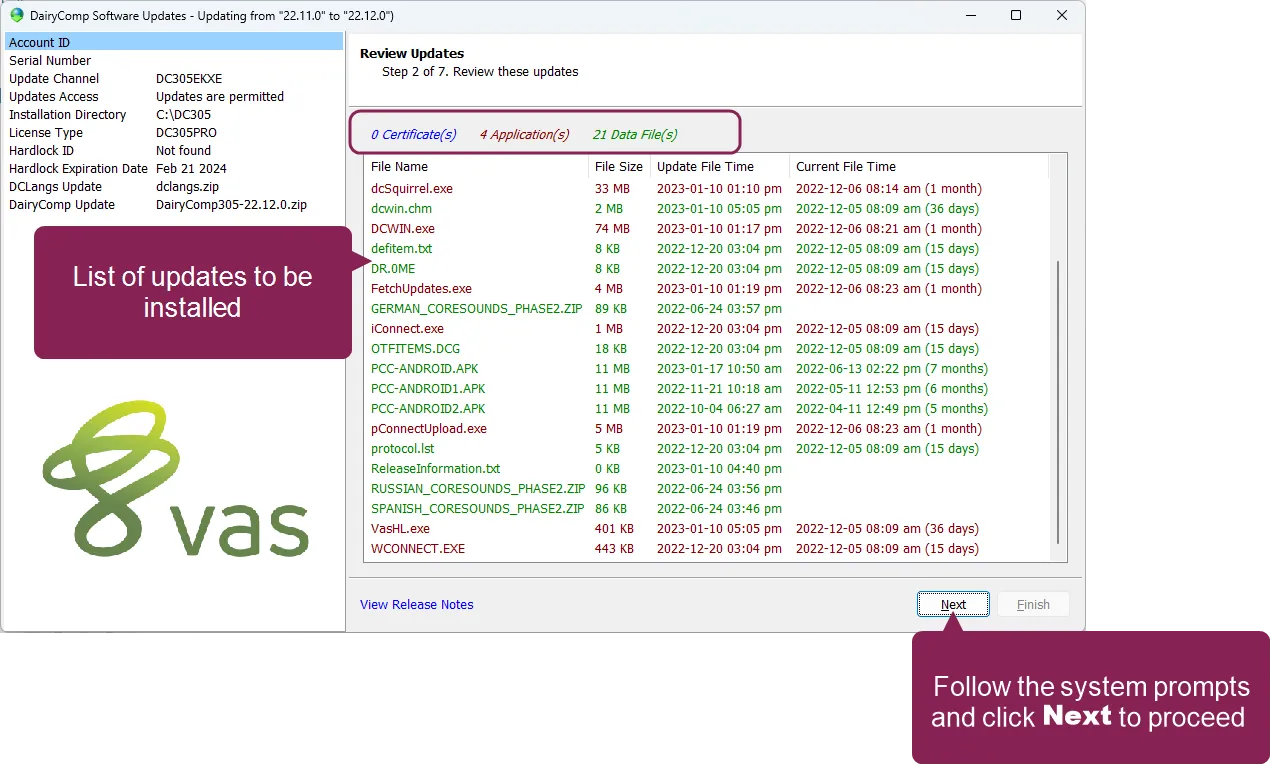
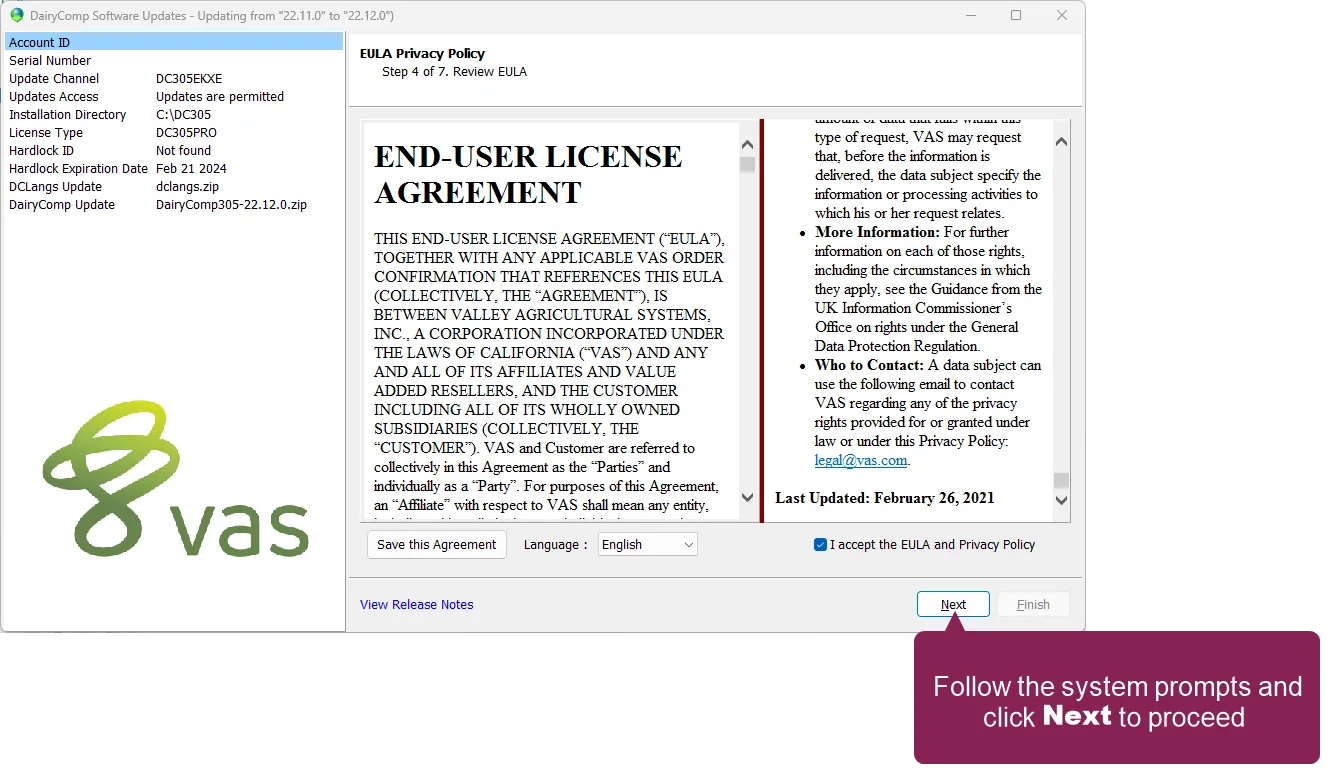
- Follow the system prompts to navigate through the remaining steps of the update process. This may involve accepting VAS legal agreements, which is typically only required once per year or when the terms of a policy are updated.
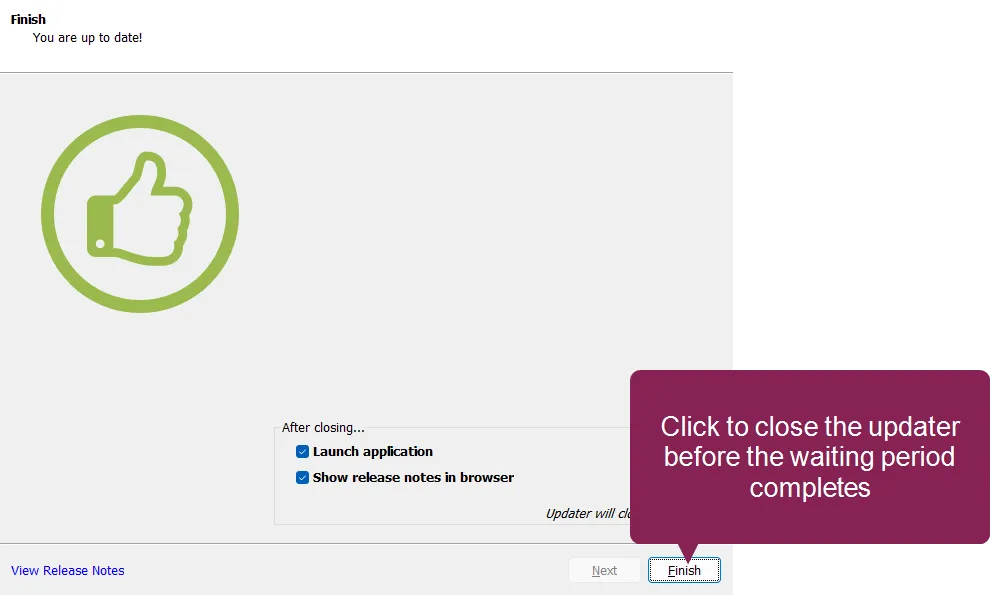
- When the updater finishes, it notifies you that your system is up‑to‑date. After 15 seconds, the updater automatically closes and launches DairyComp. Or, you can click Finish to immediately launch DairyComp.
If you're not familiar with the DairyComp Web Updater, you can watch the following video tutorial for instructions on how to check your current DairyComp version and then check for updates in the latest version. Note that the UI may differ between the video and your current DairyComp version.
DairyComp Update - October 2026DairyComp Update - October 2026
DairyComp Update - July 2026DairyComp Update - July 2026