Animals Sold/Died by Date
Animal records are not deleted once they are sold or have died. However, records for sold or died animals are archived after a certain period of time. This is important because it changes the command used to view a list of sold/died animals by date.
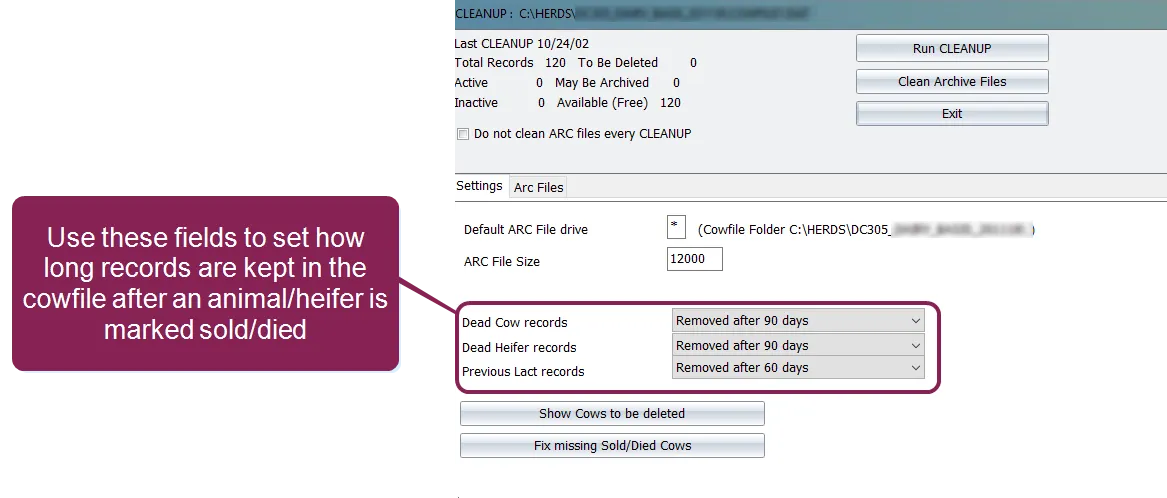
To view a list of sold or died animals by date that have not yet been archived:
Pull the applicable animal records directly from the cowfile using the ARDAT item in the command. The ARDAT (Archive Date) item tells the system the date on which the animal was sold or died. So, to view a list of animals that were marked as sold on March 1, 2020 (and that have not yet been archived), your command would like this:
LIST ID FOR ARDAT=3/1/20 \D
You can also enter a date range instead of a single date, as in:
LIST ID FOR ARDAT=3/1/20-4/15/20 \D
The \D switch in the command tells the system to look for animals that have died.
To view a list of sold or died animals by date that have been moved to the archive:
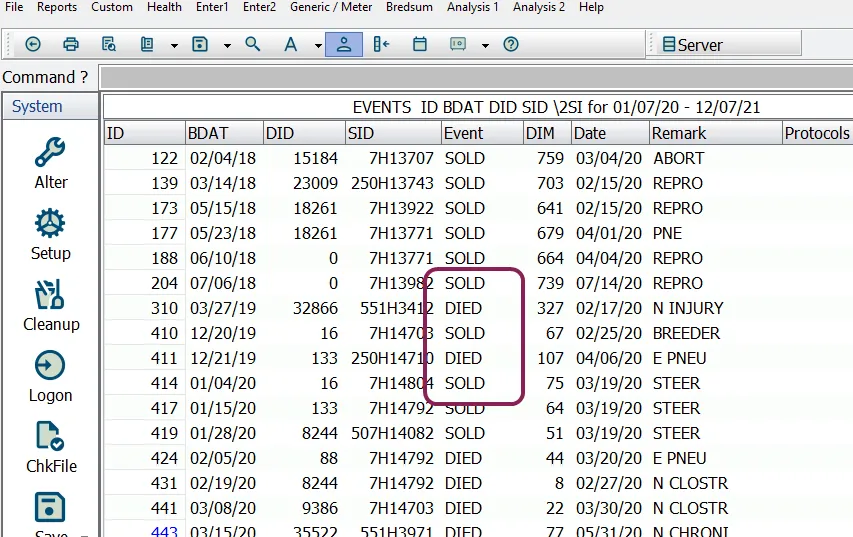
Use the EVENTS command to search for these animals in the DAT and ARC files (rather than the cowfile). In this case, you'll use switches to select the dates and the events to list. For example:
BDAT DID SID \2SI
Notice that the switch at the end of this command string has three parts:
- \2 tells DairyComp to run option 2 for the EVENTS command, which creates a list of animals and events.
- \S tells DairyComp to prompt for a start and end date for the events. Here is where you'll provide the date(s) for which you want results.
- \I tells DairyComp to prompt for the type of event(s) to include in the list. For our purposes we would choose SOLD and/or DIED.
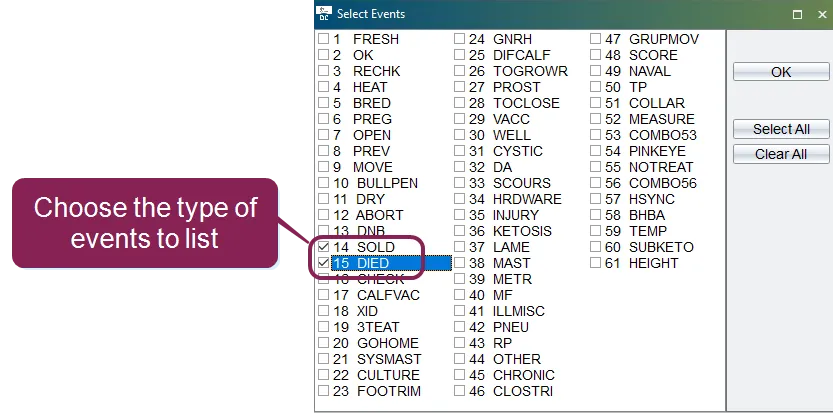
Running this command generates a list of SOLD/DIED animals for the date(s) specified.