Delete Alert Groups
2 min
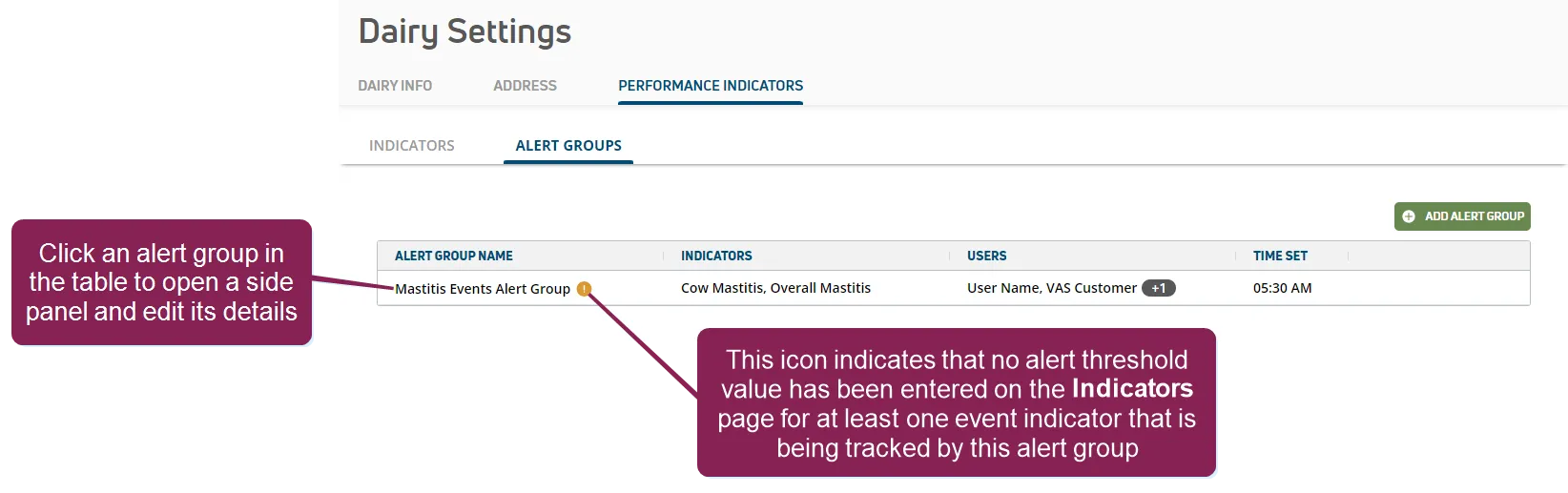
On the Alert GroupsAlert Groups page, you can easily delete an alert group by clicking on an alert group to open a side panel that displays the alert group details.
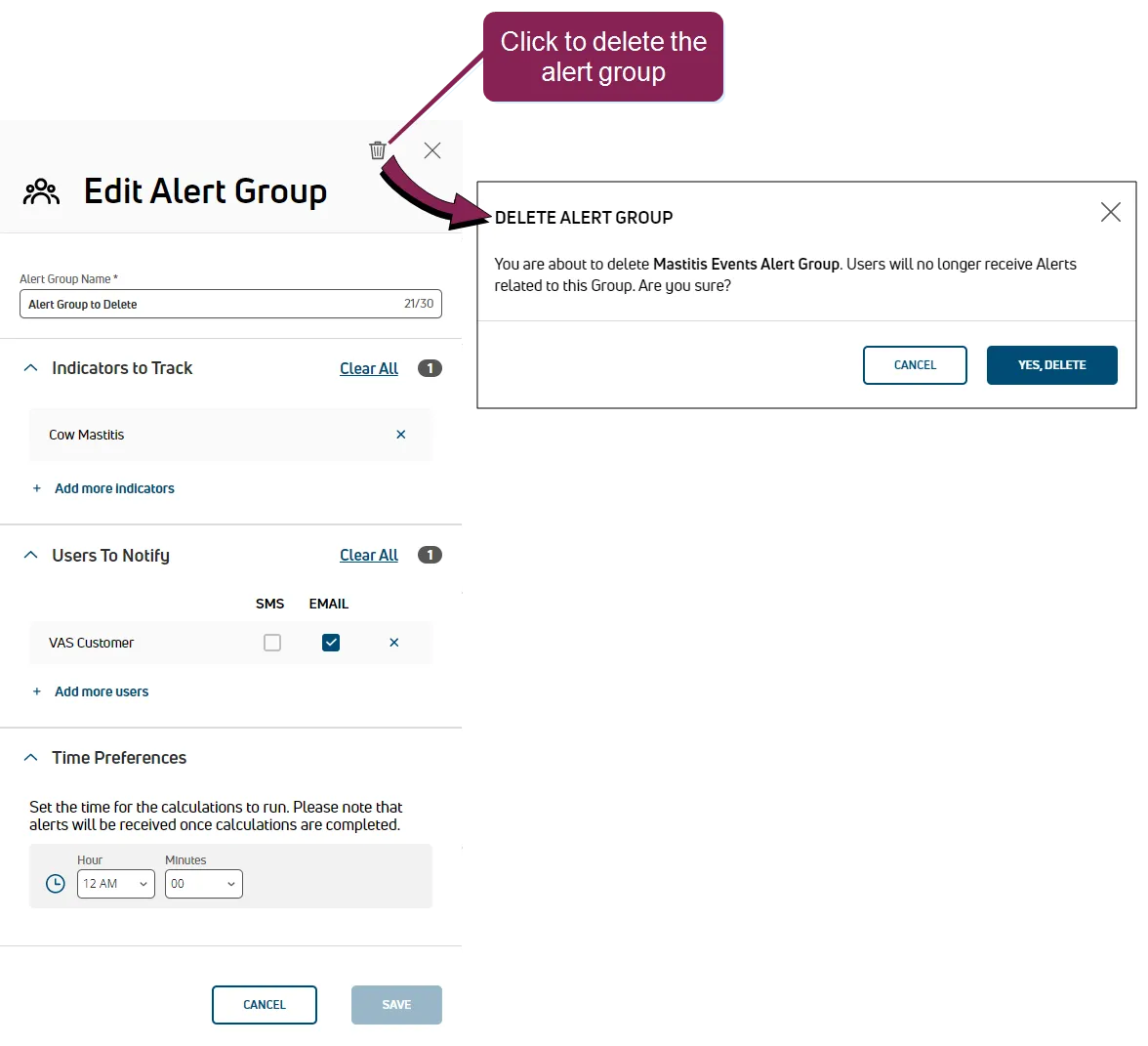
Click the delete button  in the upper right corner of the side panel, and then click the Yes, Delete button in the pop-up confirmation window to complete the deletion.
NOTE: Any changes made to an alert group affect all scheduled occurrences of the alert group.
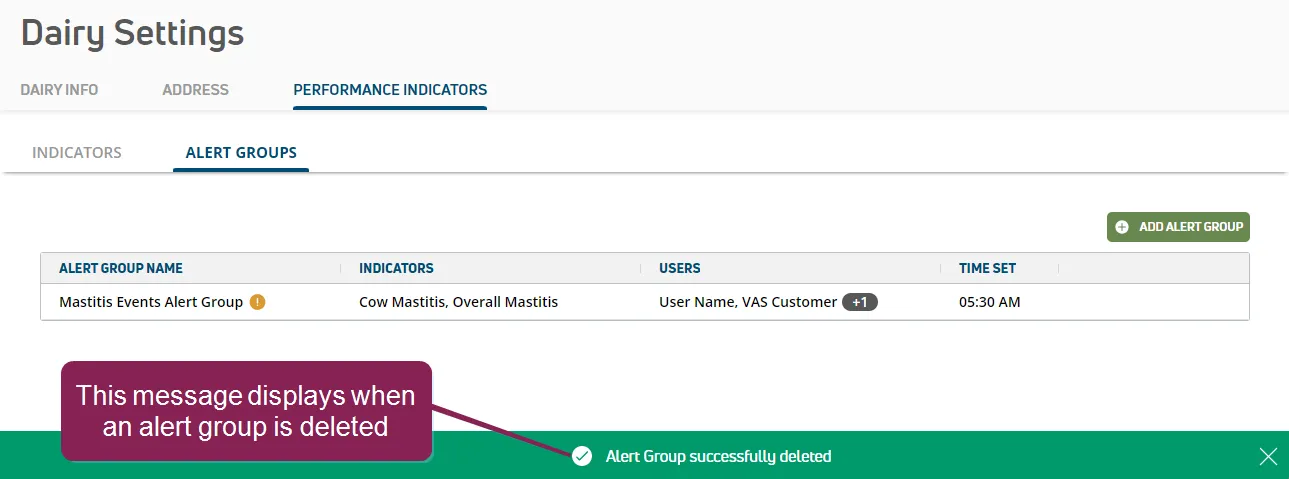
The Alert GroupsAlert Groups page is displayed and PULSE displays a message indicating that the alert group was deleted.