Cow Stats by Dairy
2 min
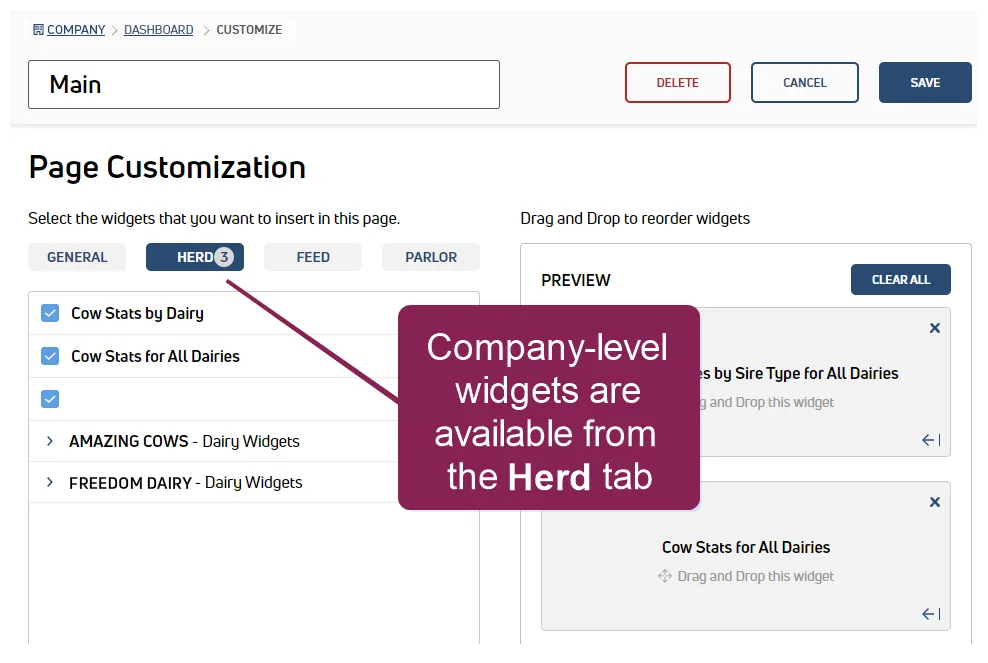
The Cow Stats by Dairy widget is useful in quickly identifying animal counts by dairy. This widget is only available on Company Dashboards.The example below defines the information shown in this widget.
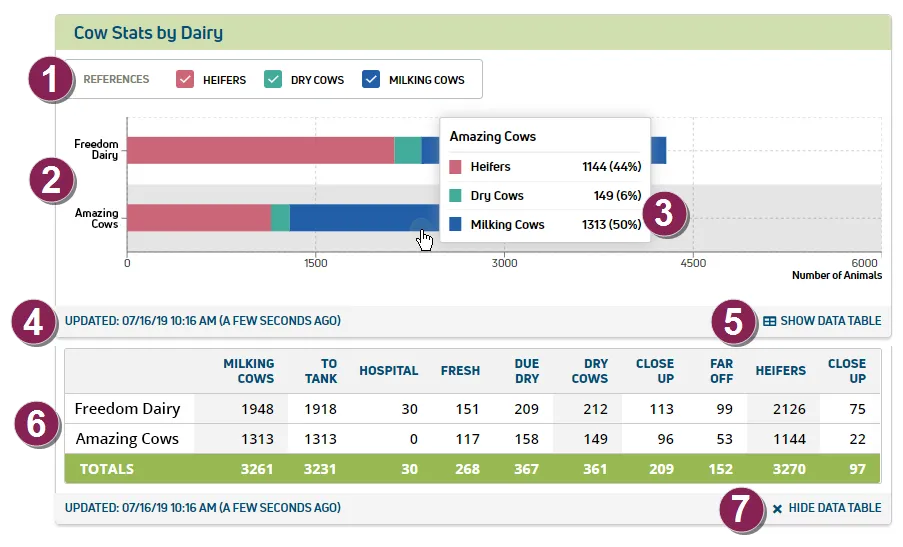
- References: Select to view data by animal status: Heifers, Dry Cows, Milking Cows.
- Bar graph: Presents animal counts for each company dairy in a colored bar to quickly identify Heifers, Dry Cows, and Milking Cows.
- Tooltip: Hover over the graph data to view more detailed information, including animal counts and percentages of total herd.
- Updated: Timestamp (date and time) of the last data sync from DairyComp.
- Show Data Table: Select this option to view detailed animal data below the graph in a table format.
- Data Table: Displays additional animal details by dairy.
- Hide Data Table: Select this option to collapse the table.