Location DM% Adjustments
The Location DM% Adjustments page allows you to access the DM% (Dry Matter Percentage) for the dairy’s ingredients, as well as identify where they are located and when the DM% was last changed. Users with permissions to edit this page can adjust the DM%. If any DM% adjustments are made, the  button activates so that you can save your changes. You can find this feature under the Menu OptionsMenu Options.
Follow the guidelines below when working with Location DM% Adjustments.
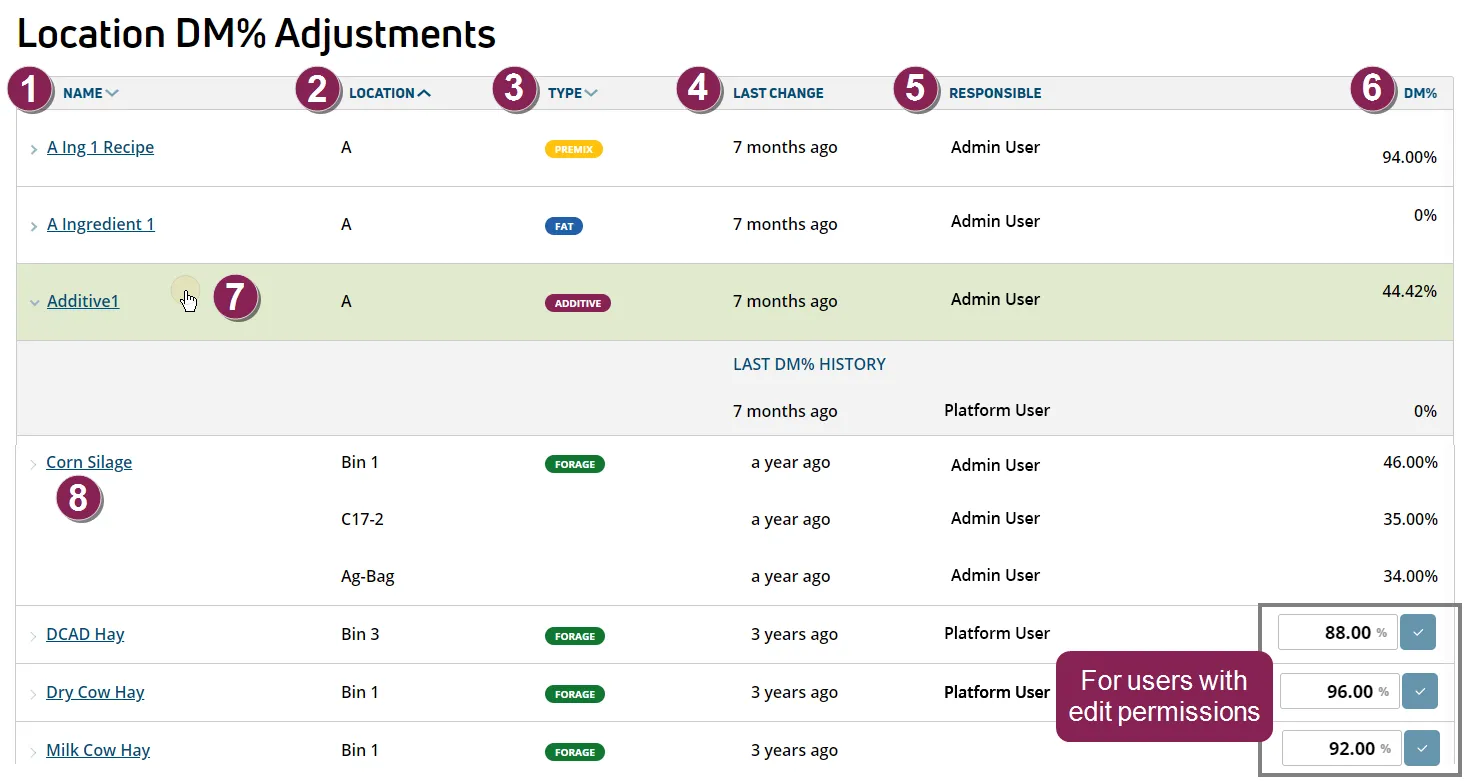
Ingredient Name: Ingredient name as defined in FeedWatch (on-premise).
- Click the column title to sort the list by Ingredient.
- Click on the inventory name to view ingredient details. Note that this action takes you into the ingredient Detailsingredient Details page under PULSE Ingredients list (the breadcrumbs links at the top of the page will help you find your current location). To return to the Location DM% Adjustments page, simply select it again from the FeedWatch main menu.
Type: The ingredient type is shown in a color‑coded label. The predefined types are Forage, Protein, Concentrate, Additive, Mineral, and Premix. Any type that does not belong to one of these categories is displayed with the color‑coded label for Other ingredient types (for example, Grain, Hi-Fiber, Fat, etc.). Click the column title to sort the list by Type.
Location: Location of the ingredient. Click the column title to sort the list by Location.
Last Change: The last time the DM% was adjusted for the ingredient.
Responsible: The person who last adjusted the DM%.
DM%: The current dry matter percentage of the ingredient. This could also be the historical DM% if listed under an ingredient in the Last DM% HistoryLast DM% History.
DM% Adjustments
For users with permissions to edit this page, the DM% is displayed in an editable format. Click within the field and type in a new DM% value.
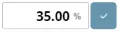
If any adjustments are made, the  button activates. Either click the button or press Enter to capture your changes. A green check displays to the left of the new value to indicate a successful save.
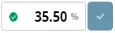
NOTE: The green check is only visible during your current session on the Location DM% Adjustments page and no longer displays after you navigate away from this page.
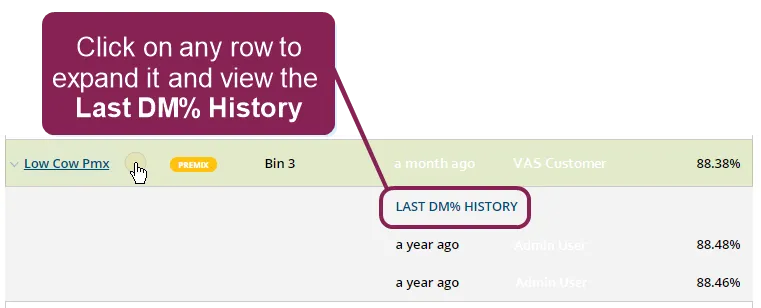
Last DM% History: Click on any ingredient to expand the row and view a history of the last time(s) the DM% was adjusted. If an ingredient has multiple locations, you can click on each location to view its respective Last DM% History.
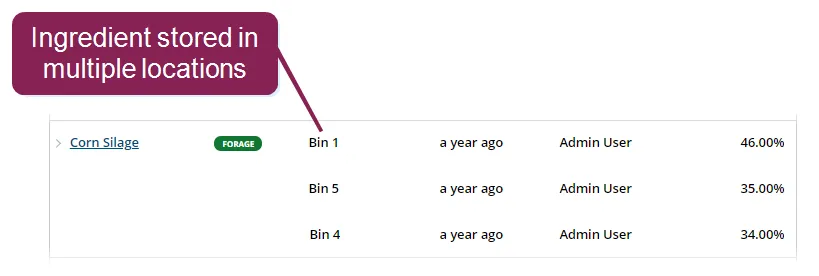
Ingredient Stored Across Multiple Locations: If an ingredient is stored in multiple locations, each additional location is displayed on a different row with its respective Last Change, Responsible, and DM%. You can click on each location to view its respective Last DM% HistoryLast DM% History.