Delete a Tru-Test SRS2 Scanner Session
3 min
Question: How do I delete a session from my Tru-Test SRS2 RFID scanner?
Answer: Use the steps below to delete a Tru-Test SRS2 RFID scanner session.
The Tru-Test SRS2 RFID scanner is a portable hand-held device that allows you to quickly read, record, and transfer EID tag information for the animals in your herd.
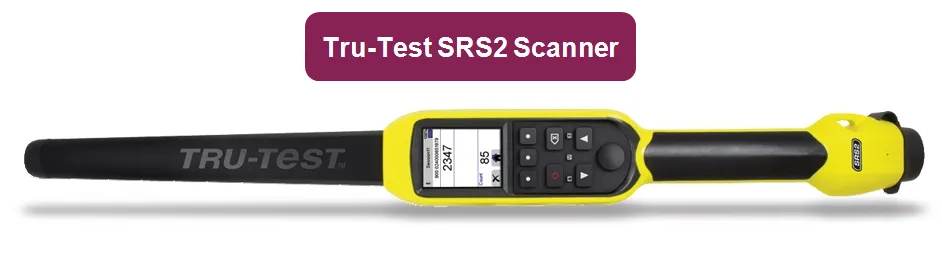
IMPORTANT: Tru-Test SRS2 RFID scanners are currently only supported in the Android version of the mobile app. Expand the sections below to learn more.
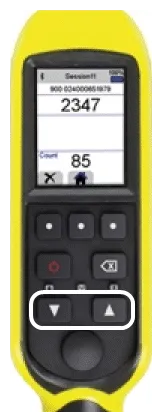
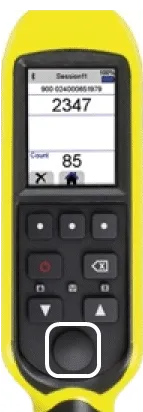
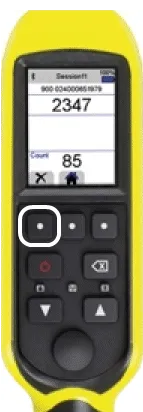
Follow the steps below to delete a Tru-Test SRS2 RFID scanner session:
- Use the Arrow buttons to navigate and press the Scan button to select Sessions.
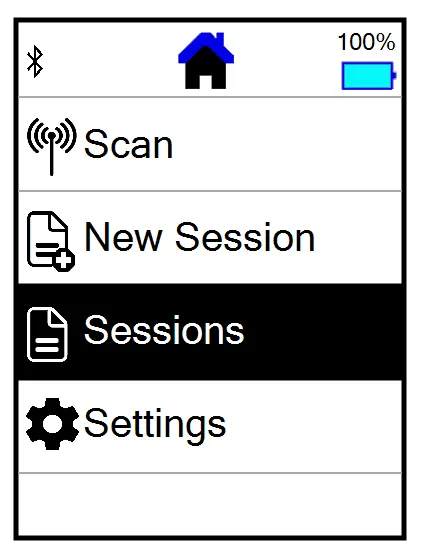
- Select a Session name.
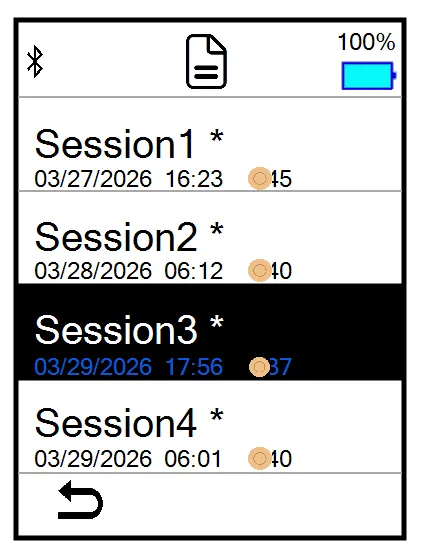
- Select a session ID.
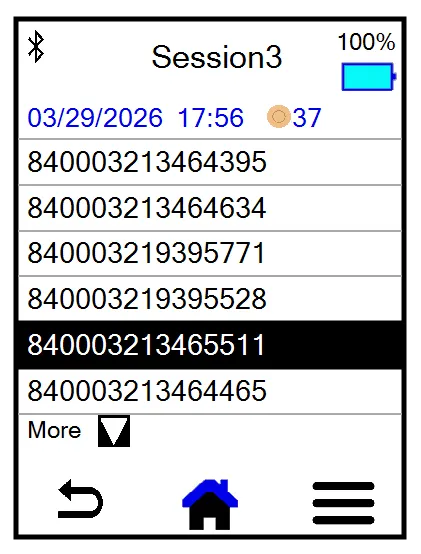
- Select the hamburger icon in the bottom right corner
 .
.
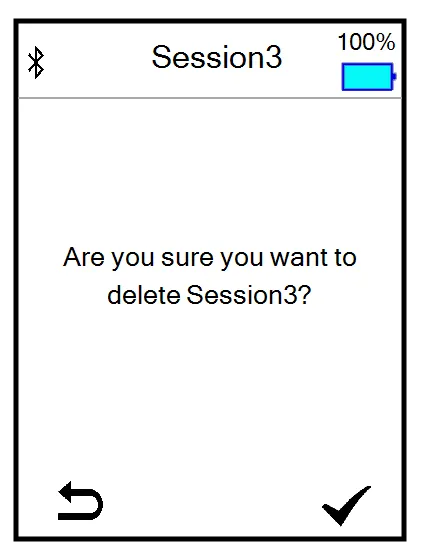
- Select Delete.
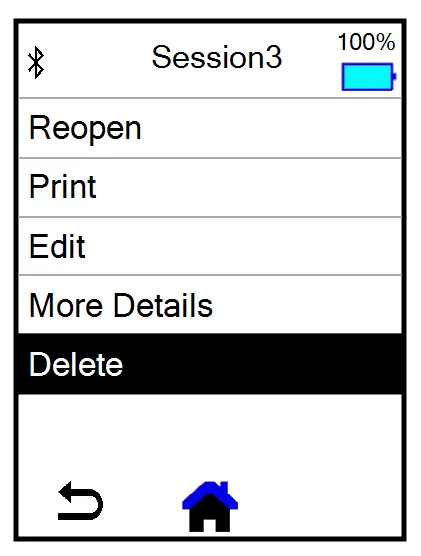
- Select the check mark icon in the bottom right corner
 to confirm the deletion.
NOTE: A session holds up to 10,000 scans. When a session fills up, you'll need to start a new session to continue sending data to Pocket CowCard.