The Command Line
4 min
🎓In This Guide, You Will:
- Learn what the Command Line is and where to find it
- Know what to do if the Command Line is greyed out
- Find the resources for learning how to build commands
The Command Line
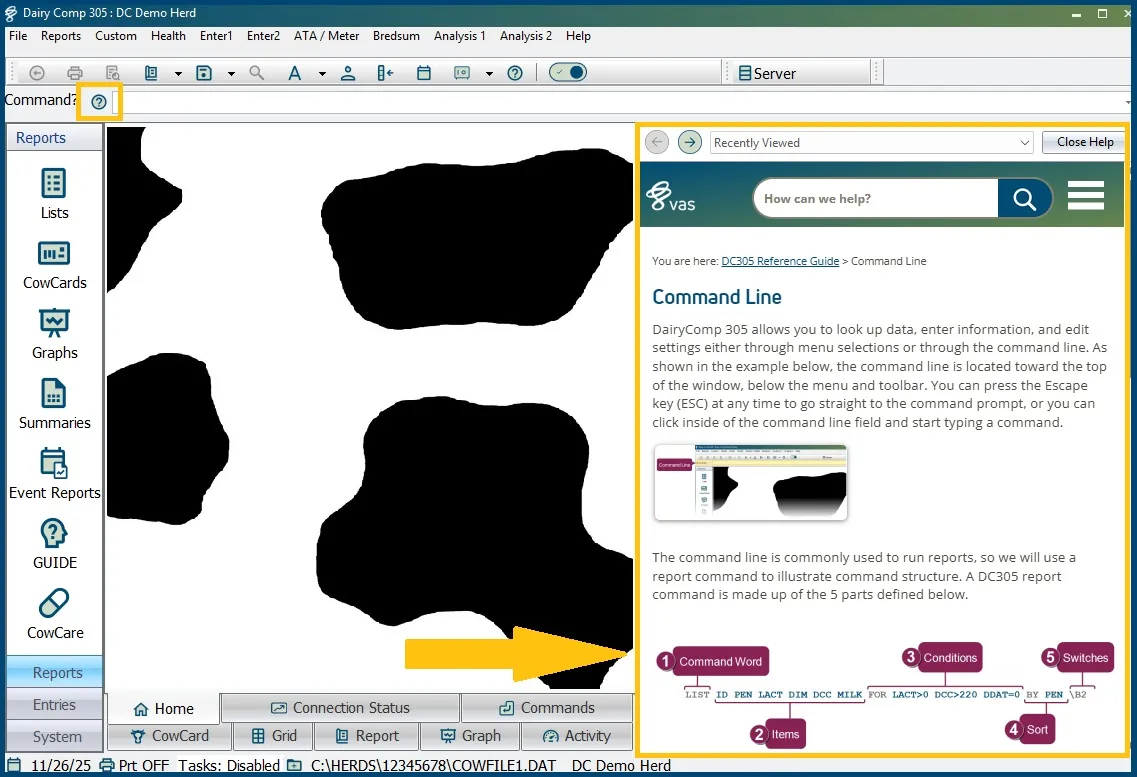
The Command Line is the feature that sets DairyComp apart from other herd management software. It gives you quick access to individual CowCards, data entry, reports, and more.

The command line is highlighted in yellow
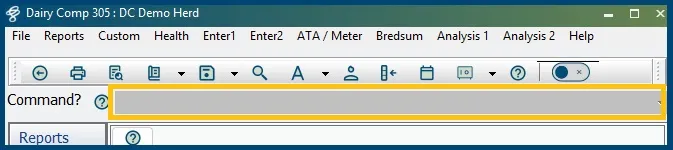
Greyed Out Command Line
If the command line is greyed out, press [esc] or select the command line so it turns white and you see the cursor flashing. A greyed-out command line will not allow tasks to run, Pocket CowCard to refresh, etc. See the example picture below.
Creating a Command
The Command Line Guide is found under the DairyComp Reference Guide. See Command Line guide to learn more about:
- The command line structure
- Command verbs
- Adding items
- Adding conditions
- The optional sort feature
- Command Switches
💡TIP: Reach the Command Line guide directly from DairyComp by clicking on the question mark  located to the left of the command line.