ALTER5: VetList Options
2 min
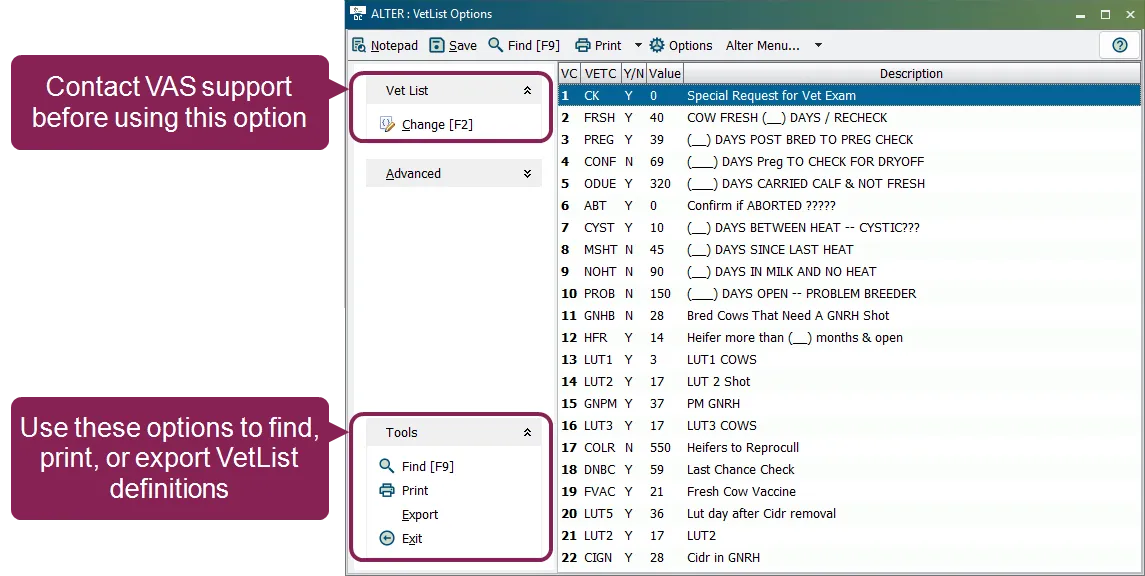
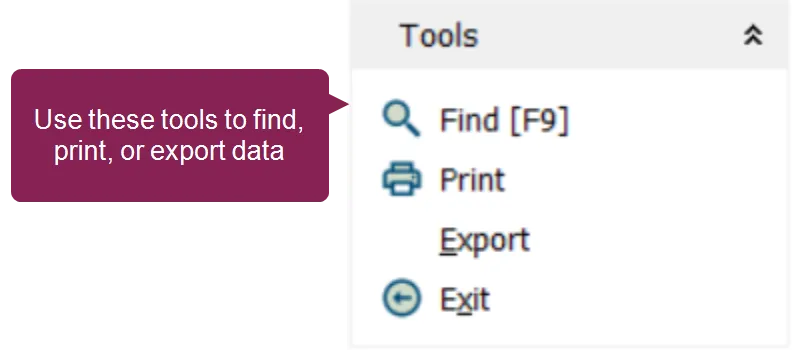
the 5 vetlist options option allows you to view or change the parameters used in your dairycomp vet checks \<font color="#f97316">important\</font> in dairycomp, veterinary list items can only be changed; they cannot be added or removed before using the change \[f2] option, contact vas support http //dc help vas com/default htm#cshid=2000 for guidance to open the vetlist options window, enter in the command line, then select \[5] veterinary list from the menu natively, you can enter \5 directly in the command line find, print, and export vetlist definitions these options are found within the tools drop down list at the bottom left side of the vetlist options window the system displays the numbers, names, values, and descriptions of all vetlist options in the current table you can either print the list from the browser or export the information to a file to find a specific vetlist option, click the find option or press the \[f9] button on your keyboard enter the desired vetlist option into the search bar the system will automatically locate the vetlist option as you type related topics vet codes docid\ x19x6ohp4phkdvs1muwc0 veterinary procedures docid 9yzlvgfm707c0w8ntstzm