Find your DairyComp IP Address
Question: How do I find my DairyComp IP address?
Answer: Typing SERVER in the command line is an easy way to check your DairyComp IP address. The SERVER command allows data transmission with DC clients, DC Shadows, Pocket CowCard, and the PULSE Platform.
- Enter the SERVER command to open the Server Options pop‑up window. It includes the following three options: Start, Stop, and Configure.
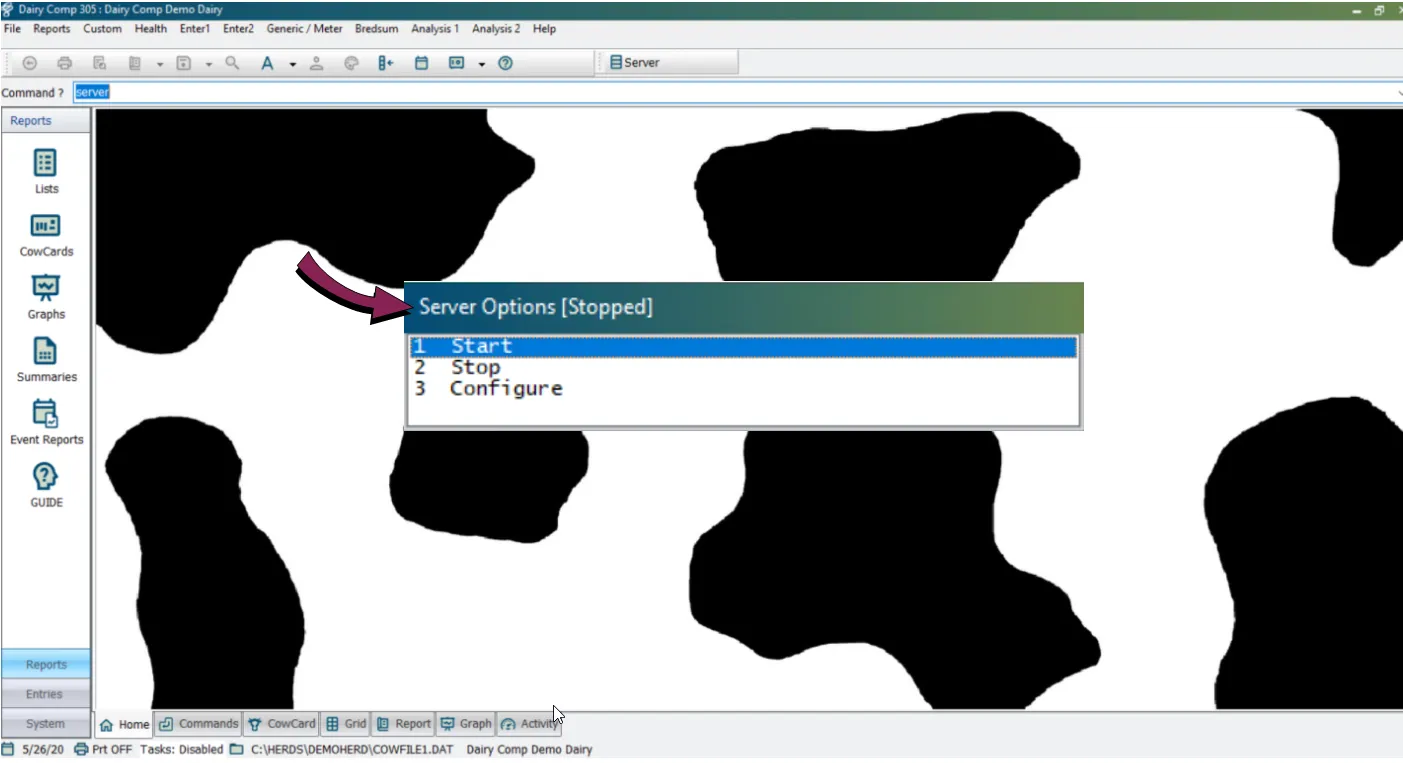
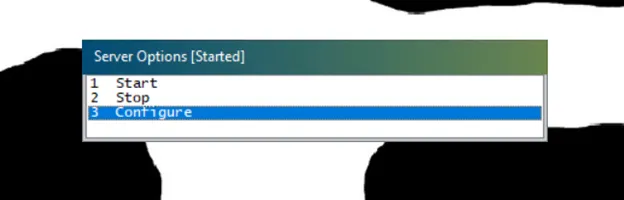
NOTE: In the title bar of this pop‑up window, to the right of the words Server Options, you can see whether the server is started or stopped. If the server is stopped, you can select Start to start it back up.
- Select Configure to open the Server Configuration window, which will lead you to your IP address.
- To find your IP address, make sure you are on the Client Info tab.
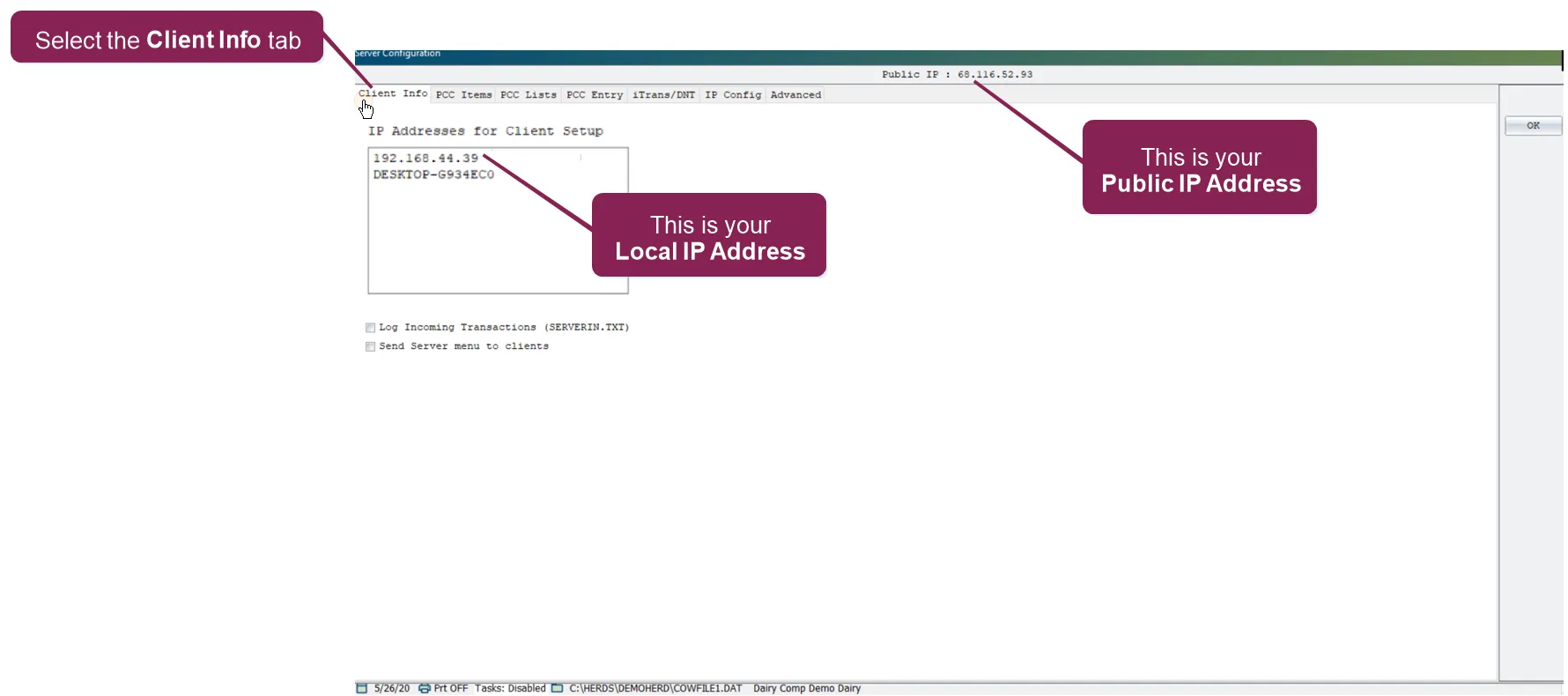
- The IP address in the box on the left is your local IP address.
- The IP Address at the center top is your public IP address.
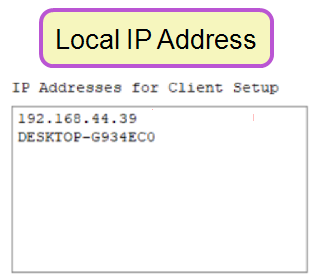
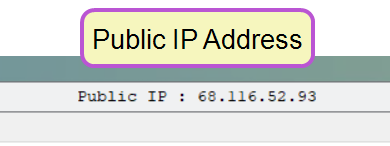
NOTE: For most applications, you will be using the local IP address.
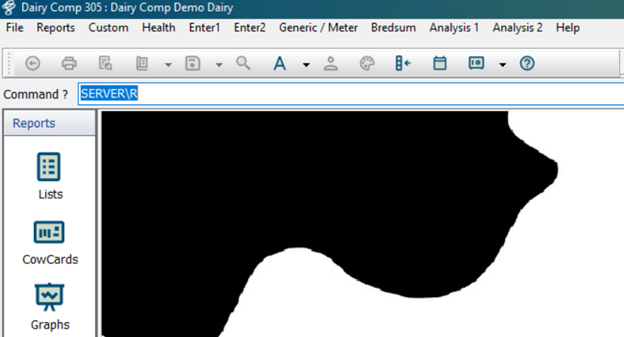
If you type SERVER\R in the command line, you will get more options, including the addition of Enable and Disable Remote Entry.
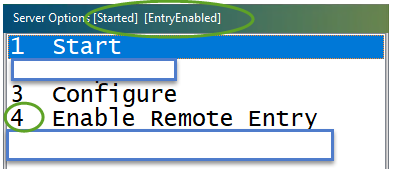
If you are having communication issues with the Client, PULSE Platform, or Pocket CowCard, you can make sure that Remote Entry is enabled.