Toggle Auto Print
0 min
Question: How do I toggle the Auto Print feature on or off in DairyComp?
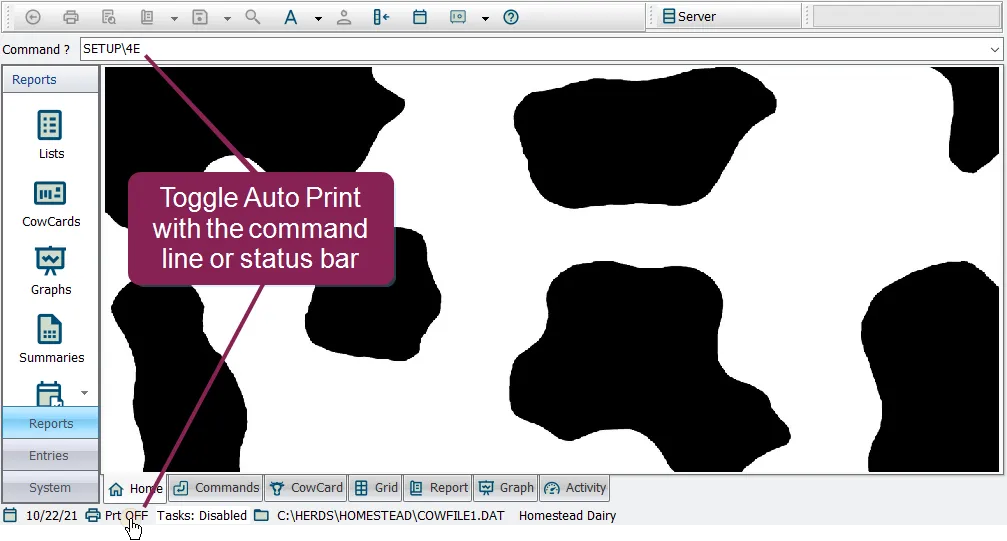
Answer: There are two quick methods for adjusting the Auto Print feature in DairyComp, both of which are explained below:
- In the command line, type SETUP\4E to turn Auto Print ON or SETUP\4D to turn Auto Print OFF. OR
- In the status bar at the bottom of the window, click the Prt option to toggle between Prt ON and Prt OFF.