Set Animal Breed (CBRD)
2 min
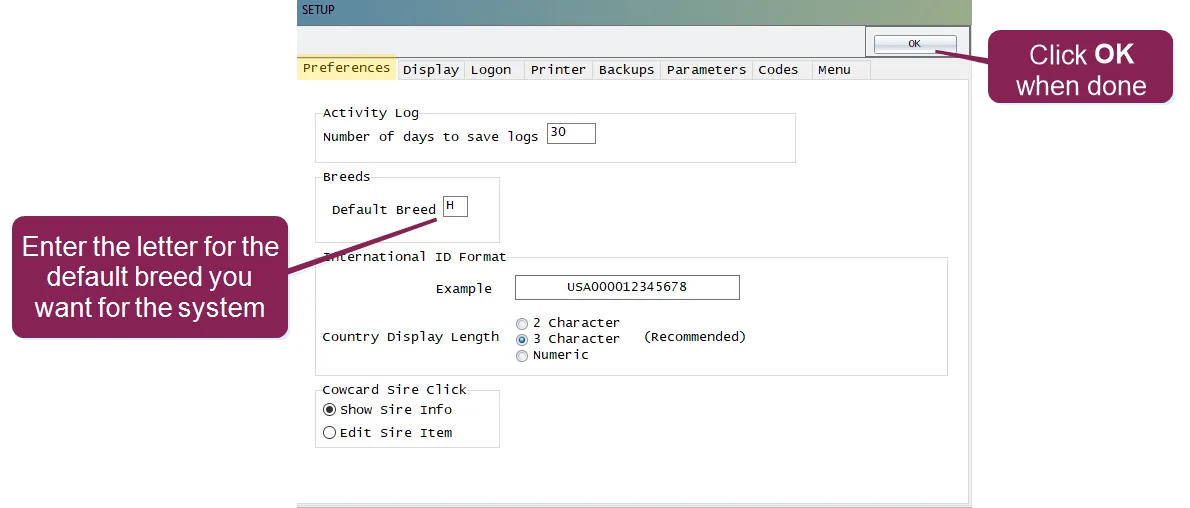
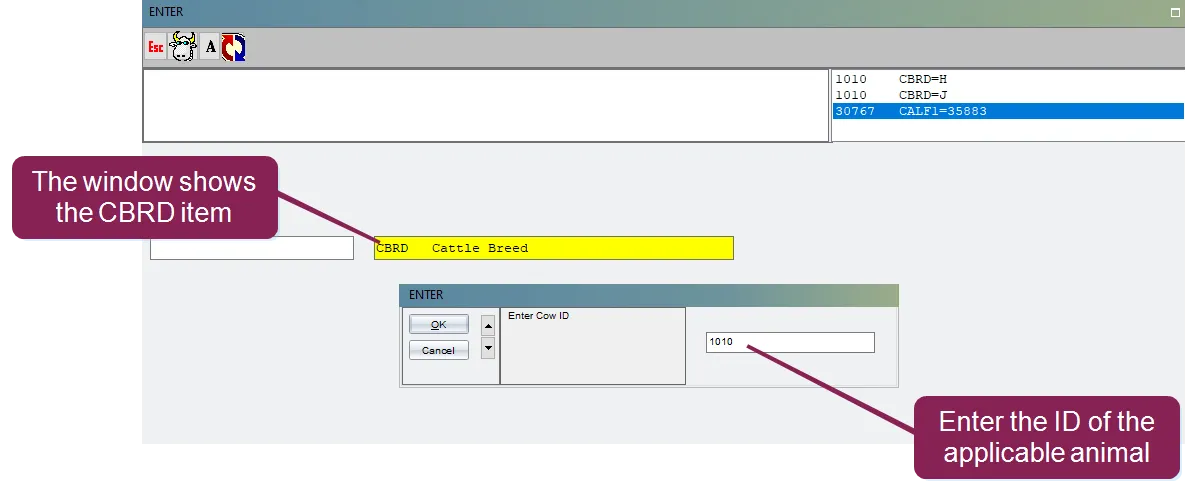
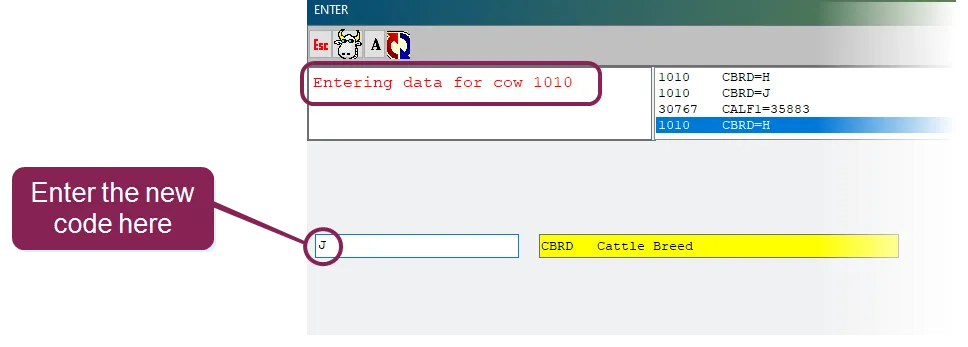
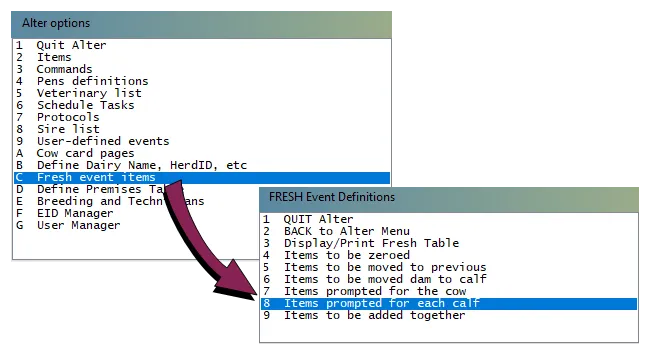
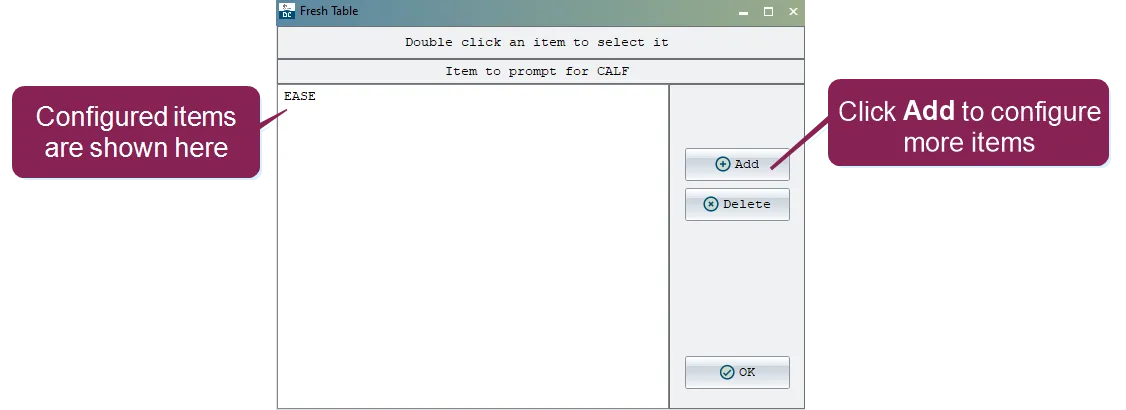
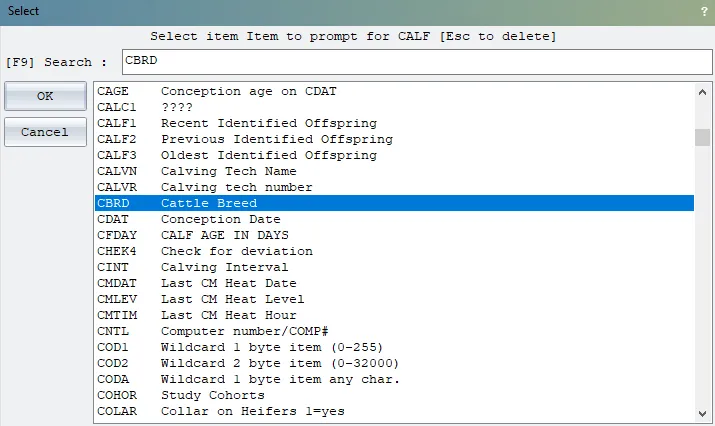
\<font color="#67854e"> question \</font> how do i set the breed for an animal? is there a way to set a default breed for the system? what about new calves? \<font color="#67854e"> answer \</font> in dairycomp, the breed of an animal is indicated by the (cattle breed) item you can set the default for the system, or you can change the item for individual animals you can also configure the system to prompt for a new calf's when a event is entered expand the topics below to learn more about each option set the default to set the default item that's assigned to new animals in dairycomp, enter in the command line to open the window, then select the preferences tab in the default breeds field, enter the breed code you want to set as the default when you're done, click ok what codes can i enter for the different breeds? the following codes are commonly used in dairycomp for cattle breeds \<font color="#67854e"> h \</font> for holstein \<font color="#67854e"> j \</font> for jersey \<font color="#67854e"> g \</font> for guernsey \<font color="#67854e"> b \</font> for brown swiss \<font color="#67854e"> a \</font> for ayrshire \<font color="#67854e"> m \</font> for milking shortrun change the for an individual animal to change the item for existing animals, enter in the command line, then enter the desired animal's id then enter the new breed code the system automatically prompts you for the next id if you want to change the for another animal, enter its id code if not, press the esc key prompt for for new calves you can set dairycomp to automatically prompt you to enter the for new calves when entering a event enter in the command line to open the options window select fresh event items , and then select items prompted for each calf the fresh table opens showing all of the items currently configured for prompting when a event is entered to add the item, click the add button from the list of items, select from the list and then click ok the item now displays on the fresh table click ok to save the new configuration